
Drum Extractor
Drop in a song and get the drums on their own, at half speed if you need it, with the sheet music following along.

The numbers
Clips
Why I built it
To learn a song on drums, I need to hear the kit on its own, slow down the hard part, loop one fill until I’ve got it, and read a chart. I was using four different tools for that, so I built one.
What it does
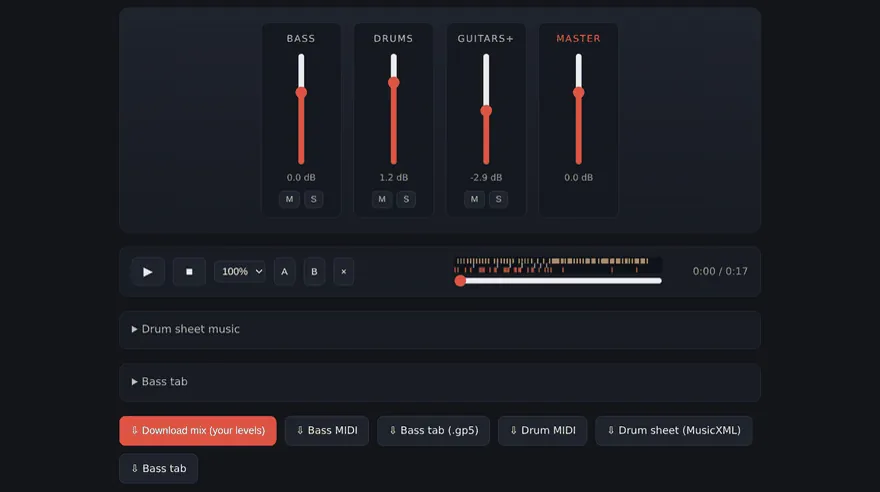
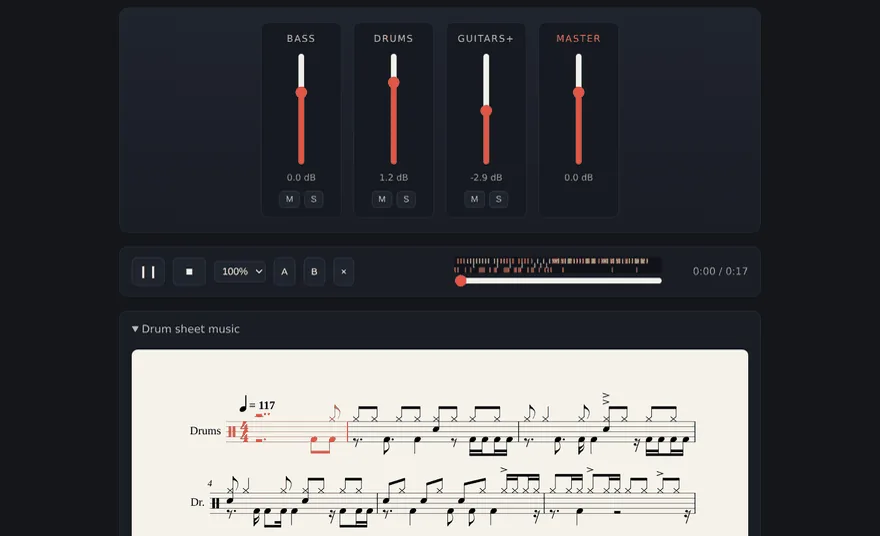
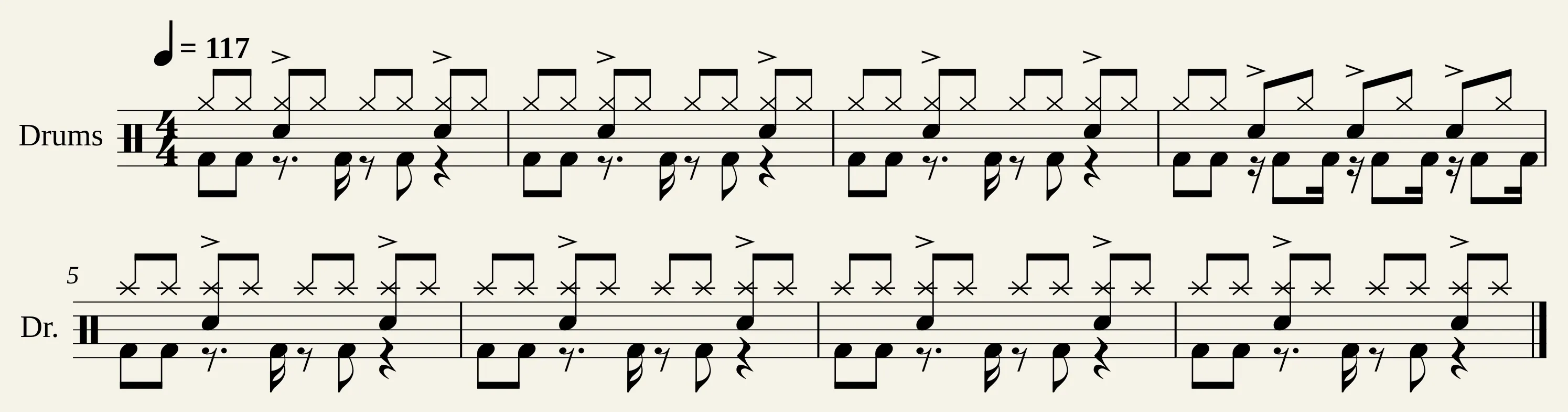
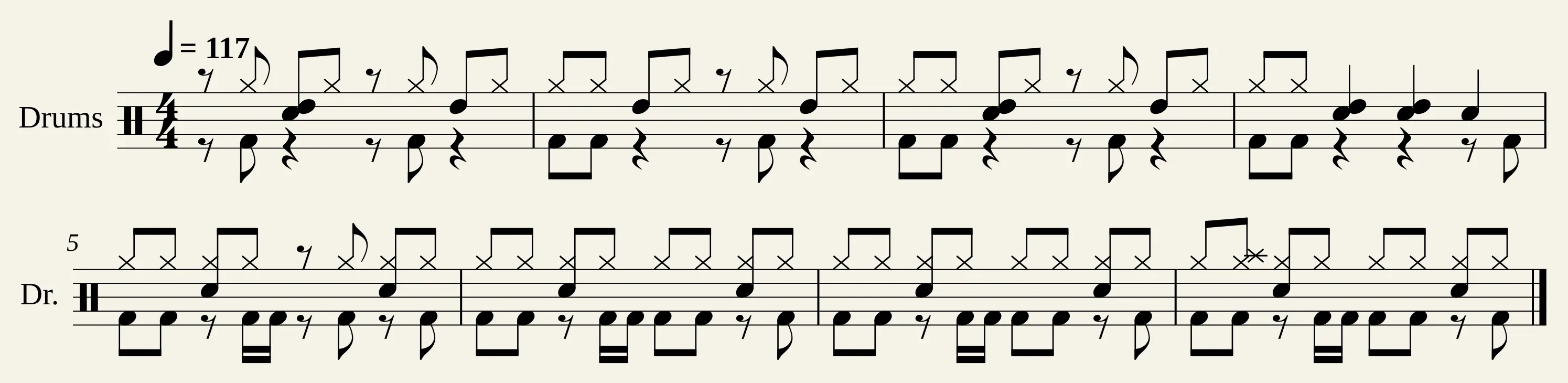
Demucs is an open-source model from Meta’s research lab that splits a song into drums, bass, vocals and everything else. Each part gets a fader on the mixer, with mute and solo. Above the seek bar, a strip marks every drum hit the app found, with kick, snare, hi-hat, toms and cymbals each in its own lane. The space bar plays and pauses, so I can start the song without putting my sticks down. The app transcribes the drum part to MIDI and writes it out as sheet music.
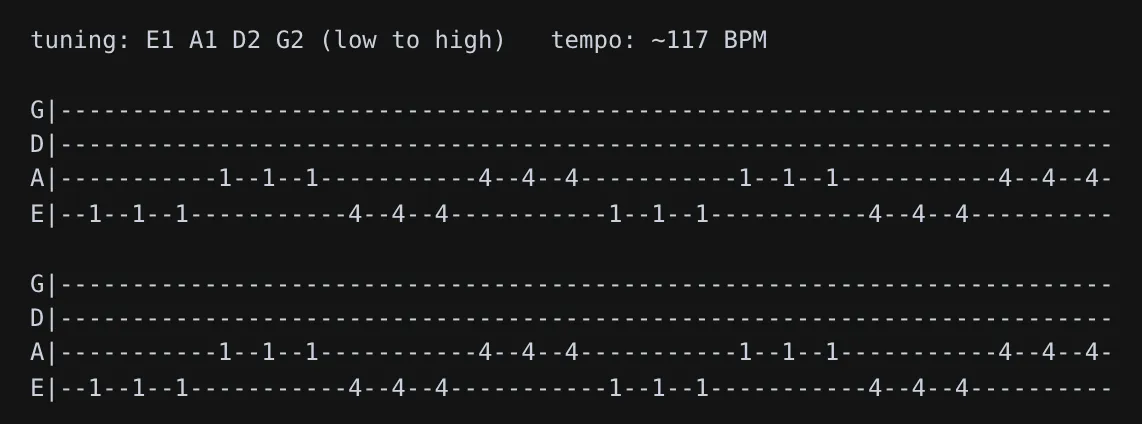
Bass gets a tab too, and so does guitar if you check the guitar box when you drop the song in.
What I decided
- Everything runs locally. Your audio never leaves your computer, and there’s no account.
- Transcribe to MIDI first, then make the chart. You can edit a MIDI file in other music software and turn it into sheet music again.
- Score the transcriber automatically. On every push to the main branch, GitHub builds a set of synthesized grooves with known hits and scores the app’s fallback drum transcriber on them, the one it uses when ADTOF isn’t installed. The build fails if its F-measure, a score from 0 to 1 that goes down with every hit it misses or makes up, drops below 0.65. It scores 0.73 on the whole set.
- Write down the limits. Heavily distorted rhythm guitar is the hardest thing the pipeline has to transcribe, so the project’s GitHub page tells you to treat those tabs as a rough draft. The drum chart is a draft too, as the second chart above shows.
- Ship a demo with no copyrighted recording in it. A script synthesizes its four-chord riff, so anyone can run the whole pipeline.
Try it
The install steps are on GitHub. There’s a one-line install for macOS and Linux and a double-click installer for Windows. Without a graphics card, splitting a song takes about as long as the song itself.
Mix a loop
Here’s a small copy of the app’s mixer playing a made-up loop, so you can solo the drums or slow it to half speed.
The drum chart: four bars of eighth notes. The hi-hat plays every eighth note, the snare plays beats 2 and 4, and the kick plays beats 1 and 3, with an extra kick in bars 2 and 3. In bar 4 the hi-hat stops after beat 3 and the snare fills to the end of the bar.
Bar 1 of 4
It’s a toy: the loop is made up, and your browser synthesizes it as it plays. In the app, you mix the parts it split out of a real song, and the chart that lights up is the one it wrote from that song’s drums.

