Project
Flikr
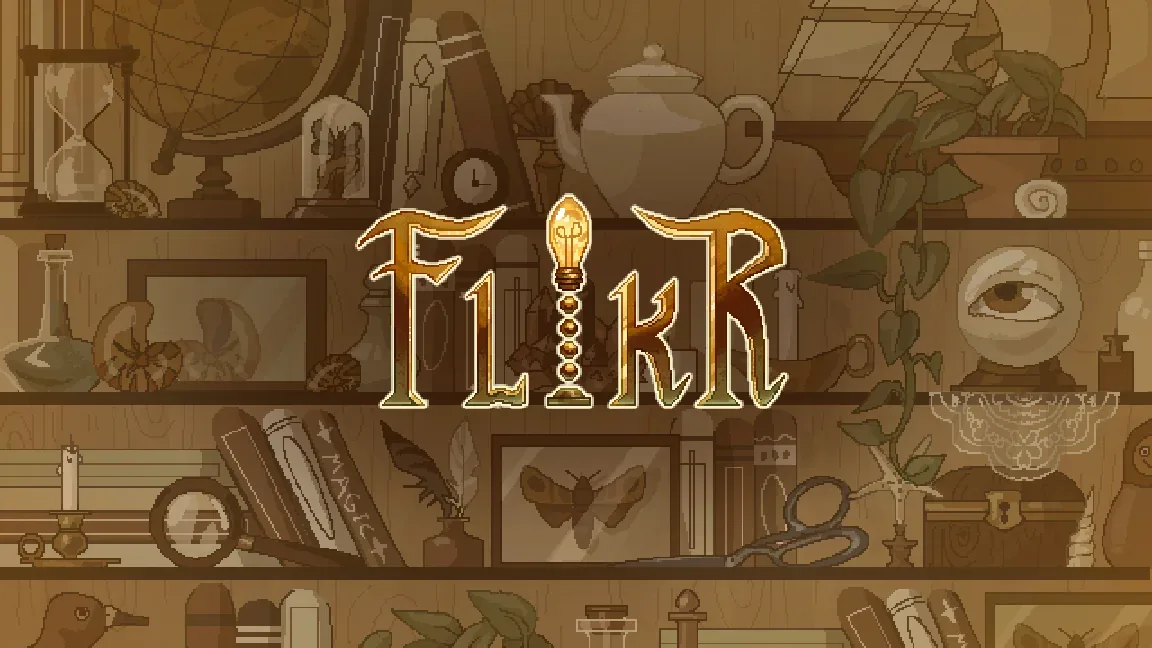
A lighting-puzzle platformer where you are the lamp. Your light shows the way and draws the moths. Charge it into a beam, and it kills them.
My part
- LeadSPAM-B Studios, the studio I co-founded: I run the milestone reviews and make the scope calls.
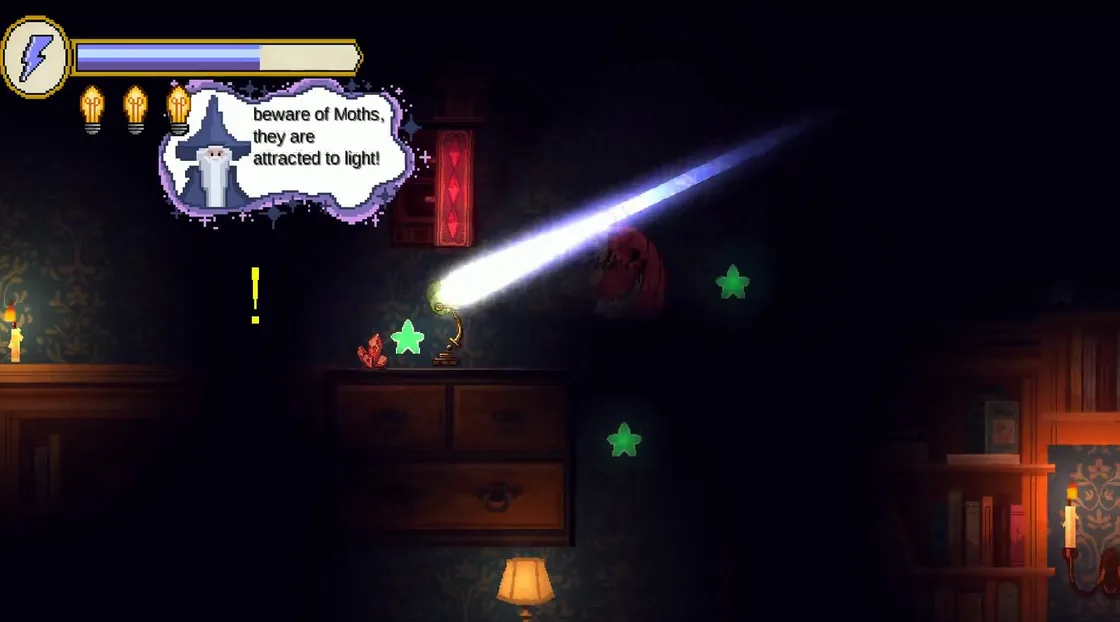
- Designthe game’s interface, in the levels and out, and the wizard who teaches you to play, whom I also animated.
- Writethe ambient score and the stakes behind the puzzles.
In motion
Why I built it
Flikr began as a semester project in Cornell’s intro game design course, and we kept going. Getting it to Steam means holding the scope to a timeline and keeping the team together on our own.
How it plays
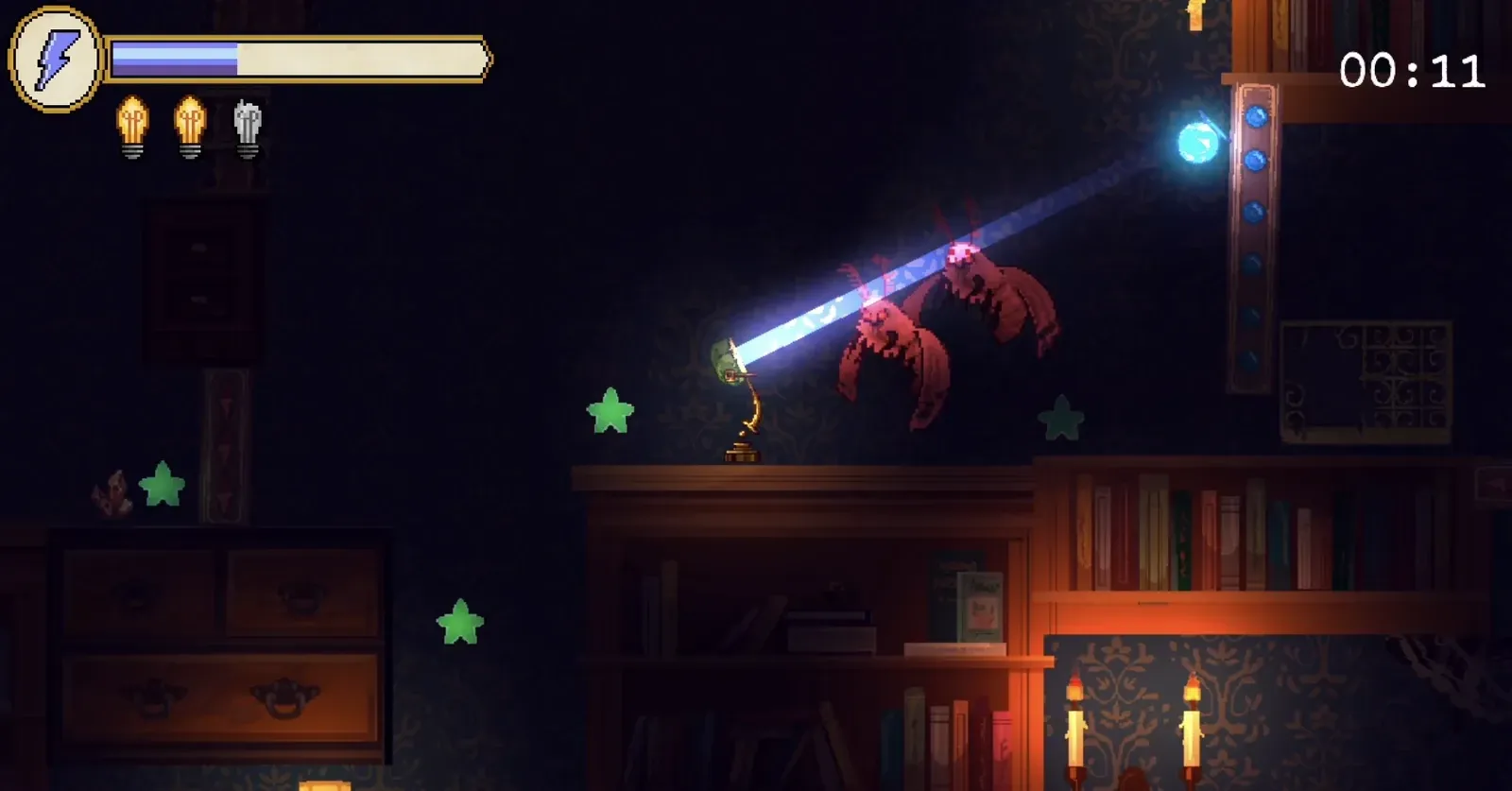
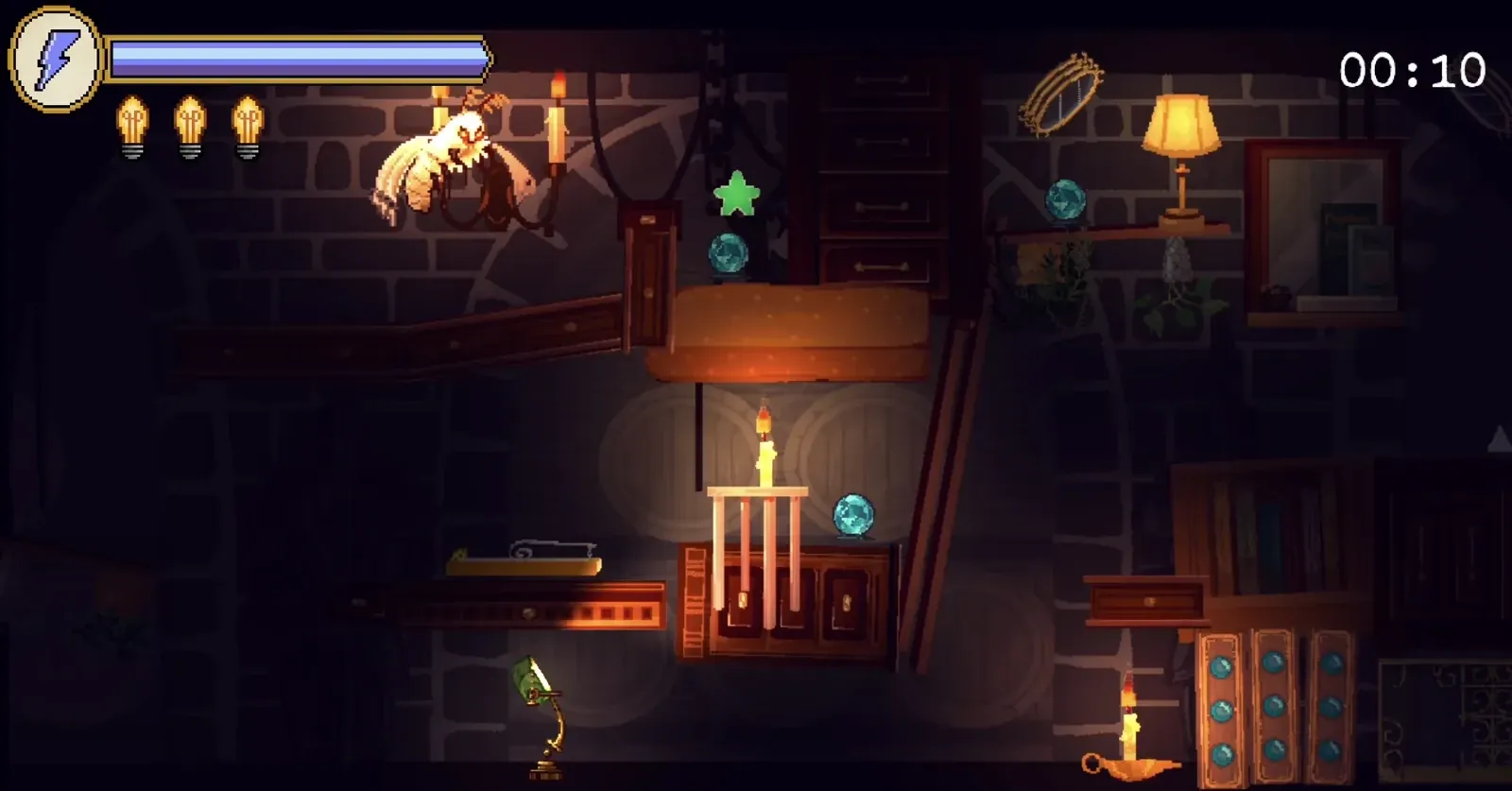
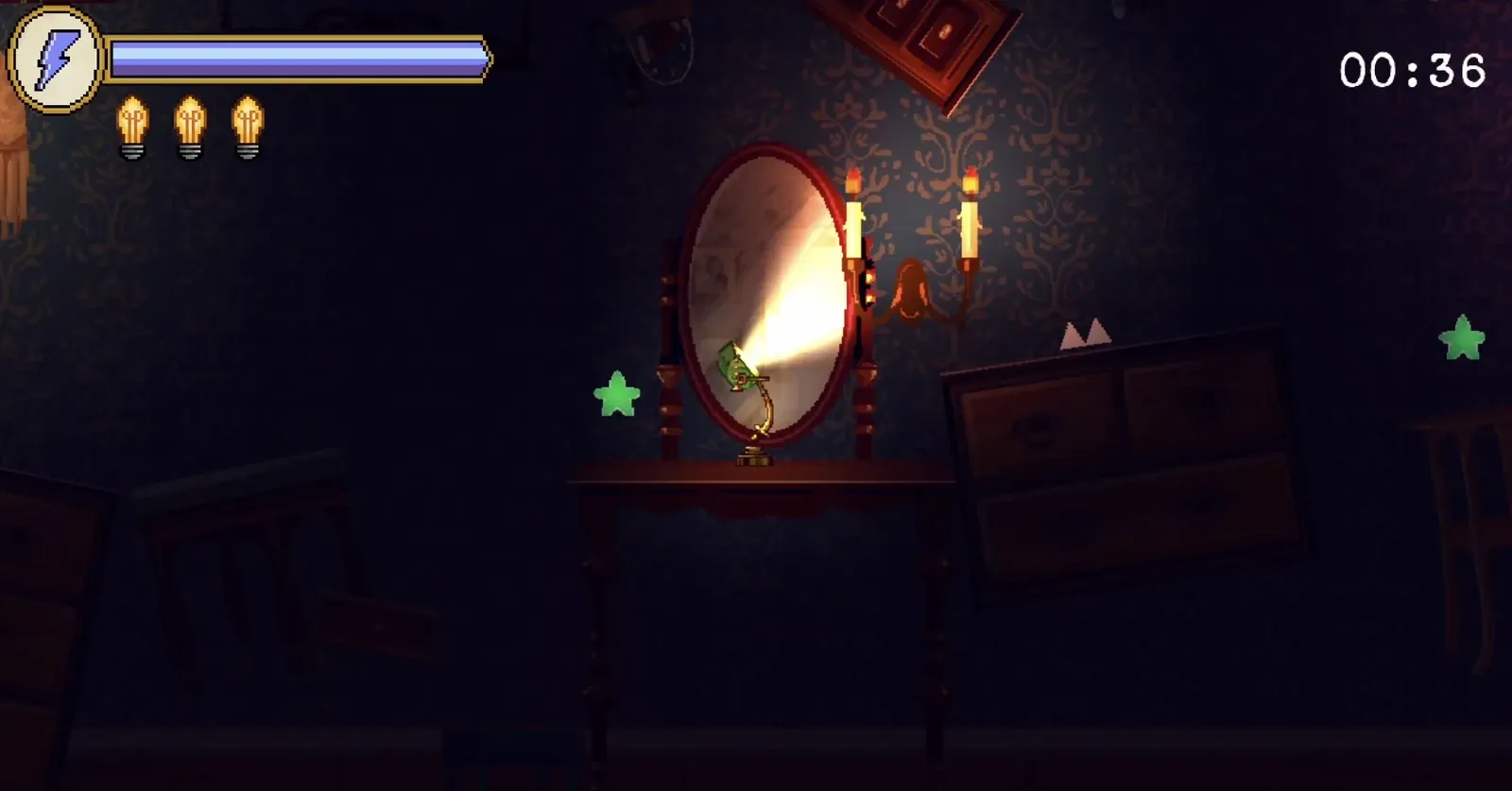
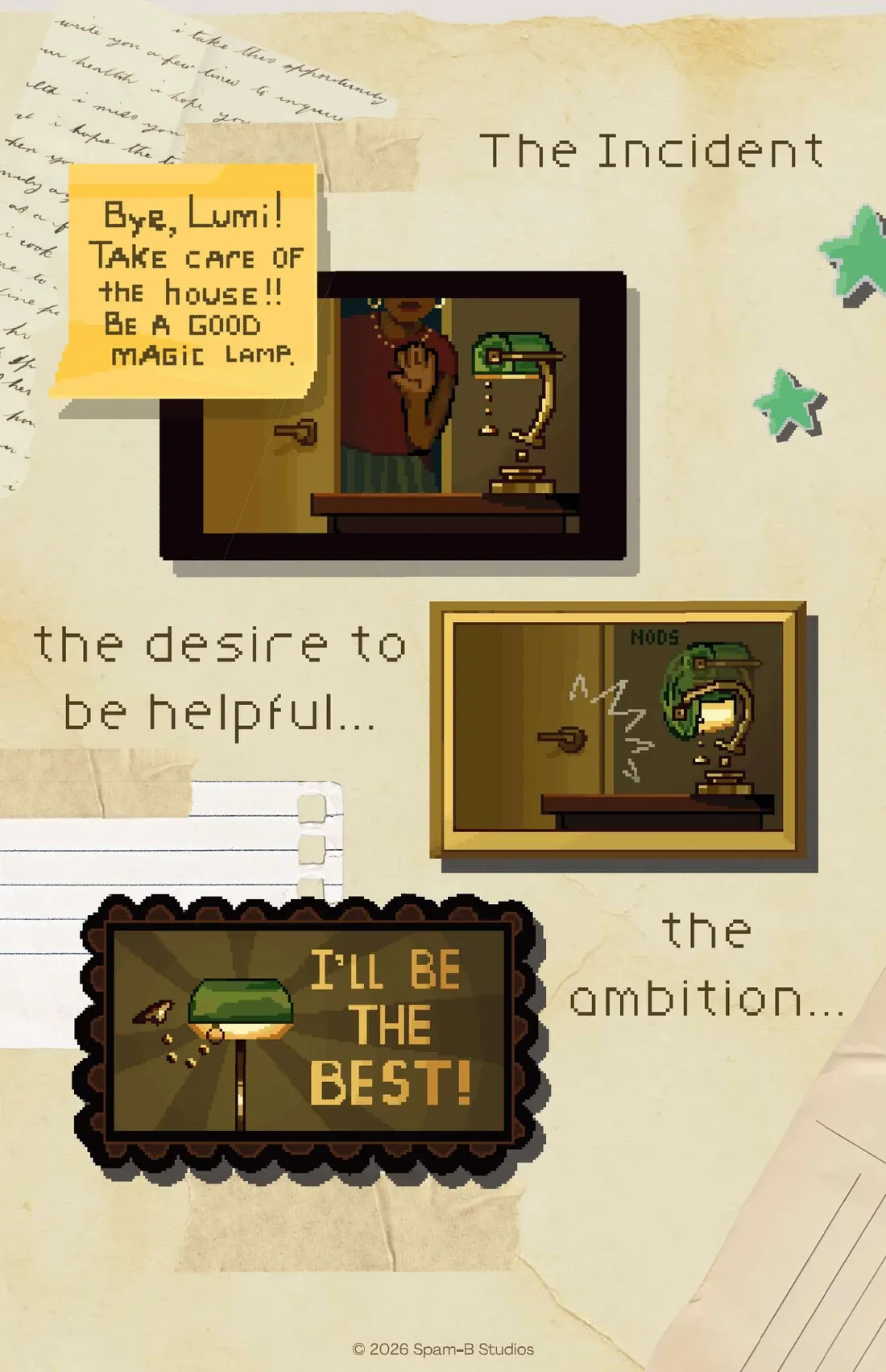
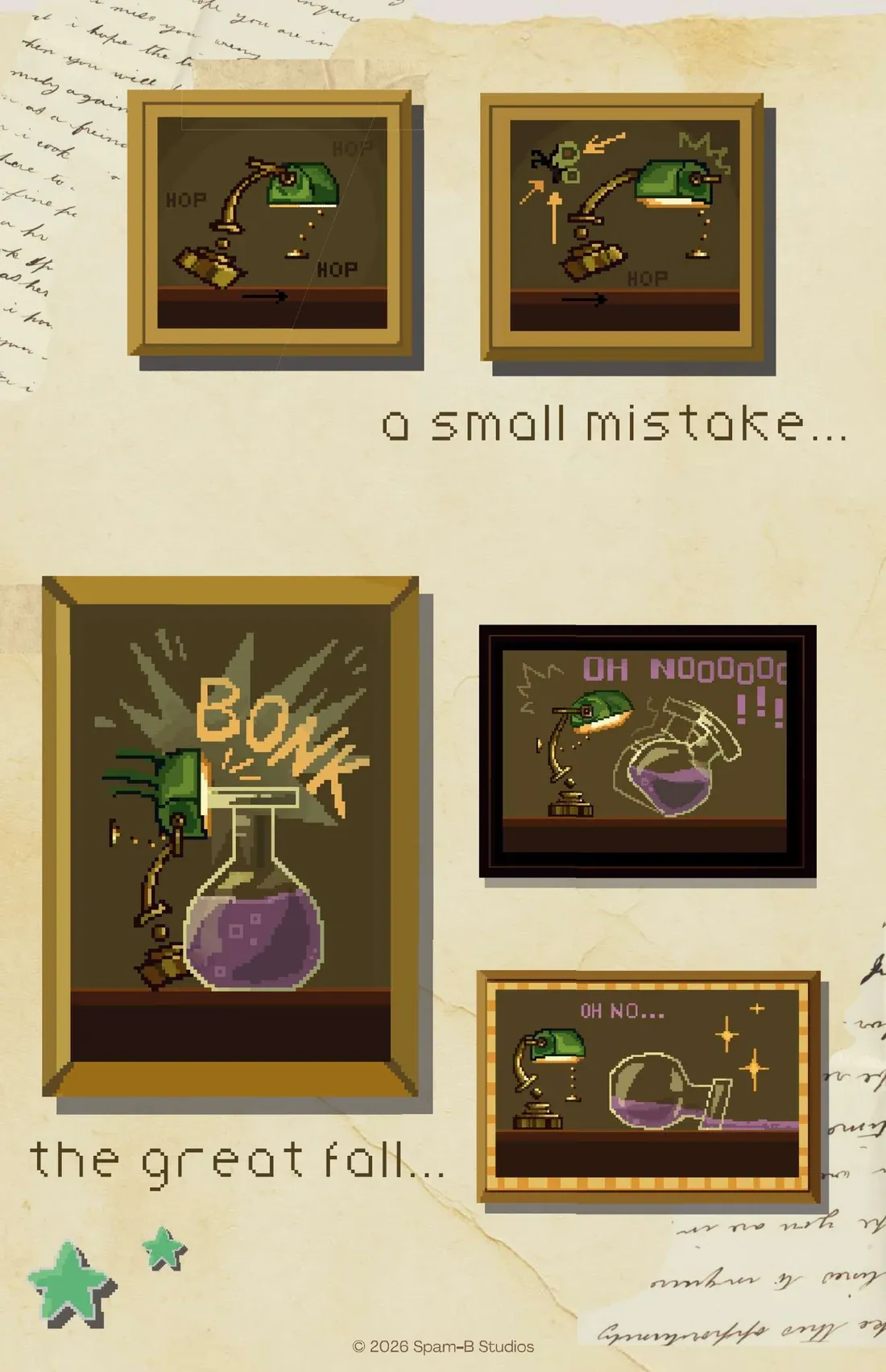
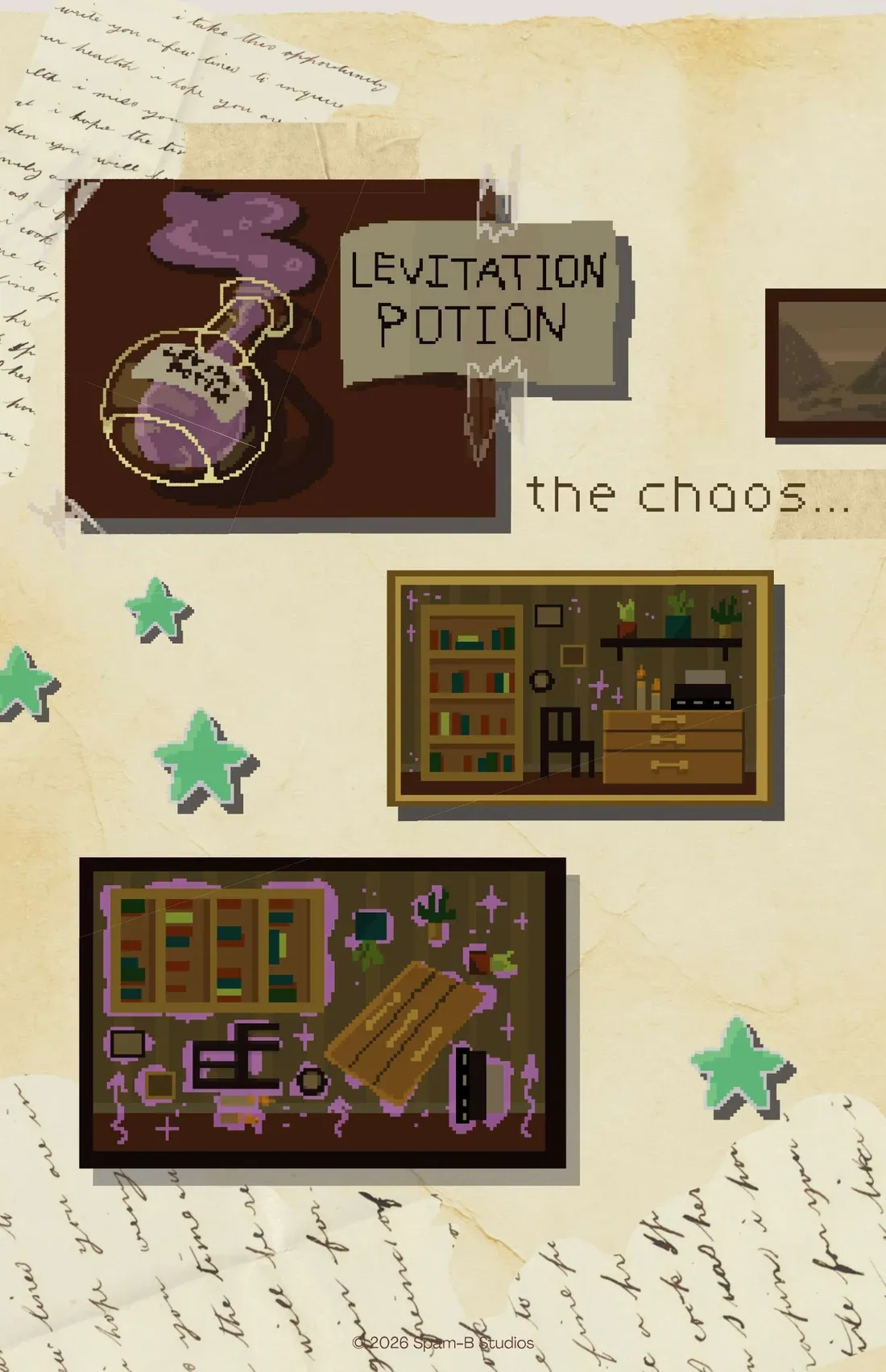
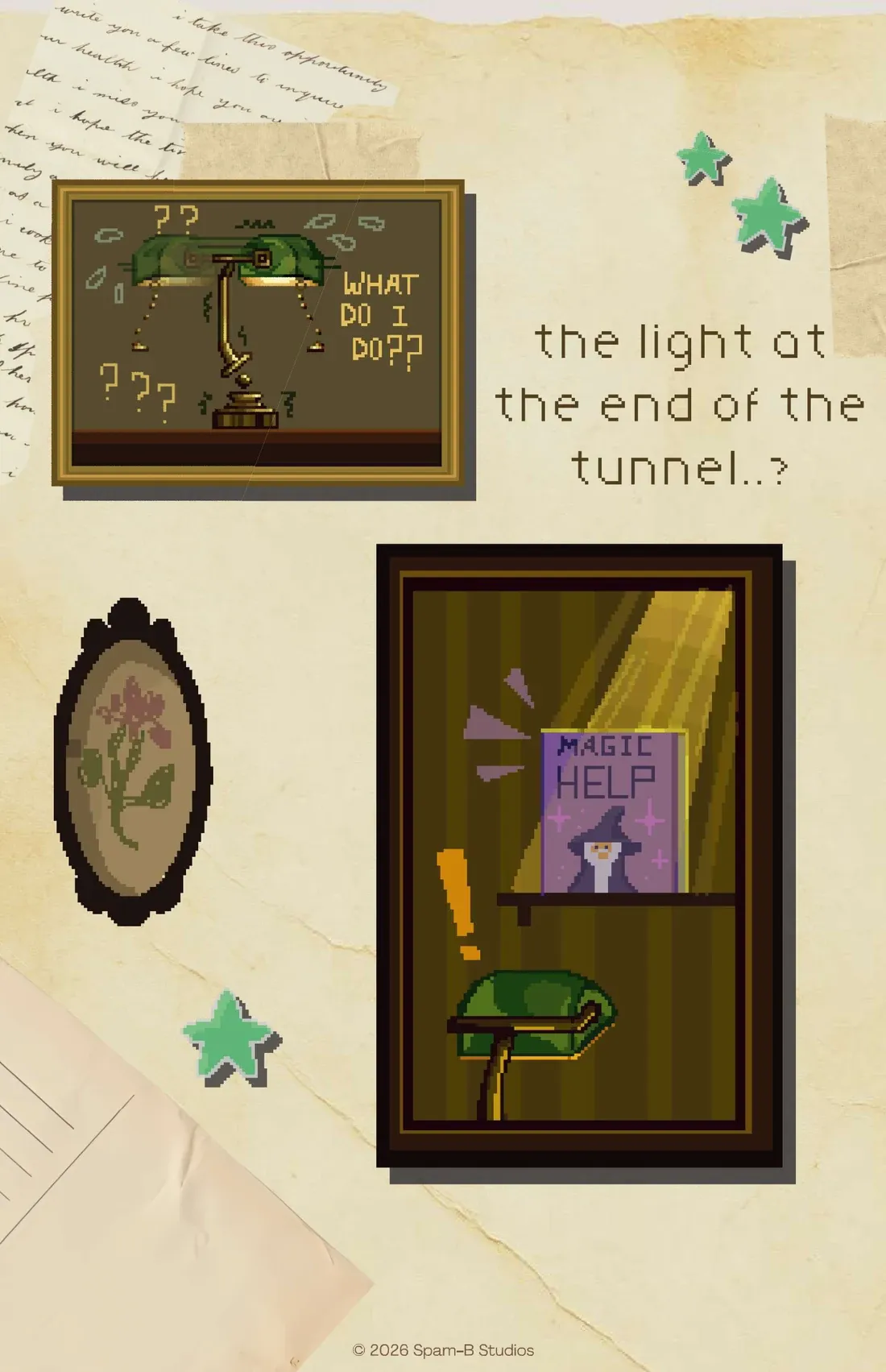
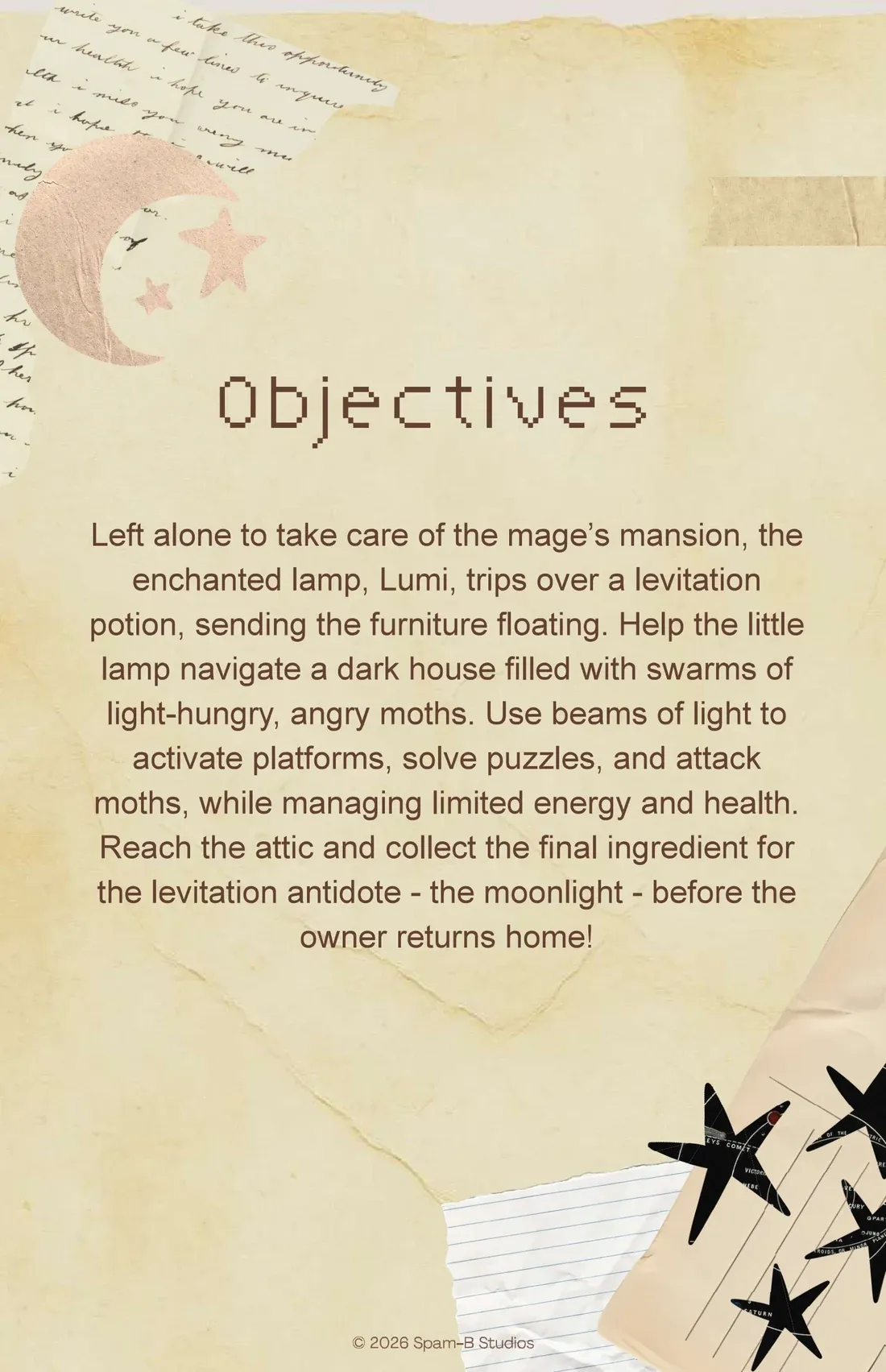
You play Lumi, a wizard’s enchanted lamp, in a mansion where a potion has set the furniture floating and filled the rooms with light-hungry moths. Your beam activates platforms and kills moths, but every shot costs energy and every hit breaks a bulb, so each room is a question of where to shine and for how long.
What I decided
- Prove the core mechanic before building on it. The lamp-light reveal went through four rounds of playtesting before we built a real level around it.
- Make every feature earn its place in a playtest. Every delay we’ve had came from saying yes to one more “what if we also”.
- Review scope at every milestone. Coordination was never the hard part. Saying no, to good ideas from people I like, was.
Before Lumi, Lumo
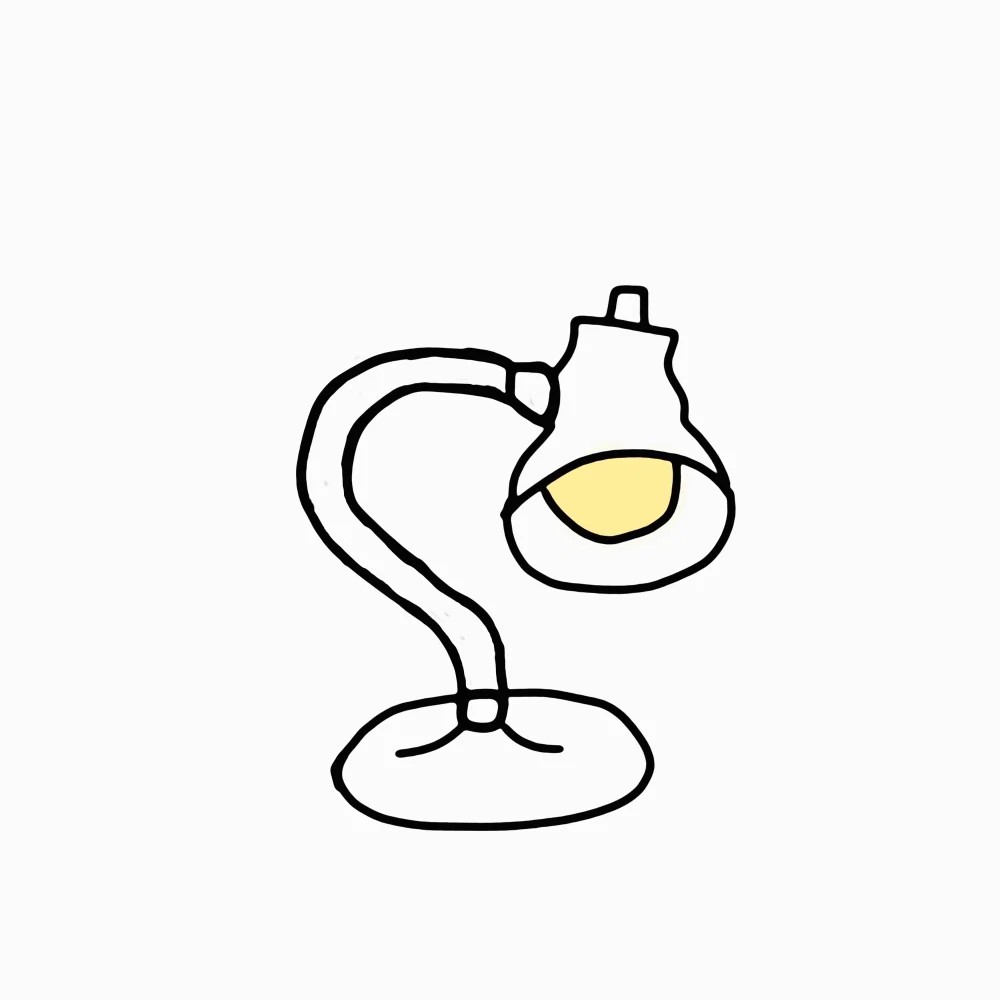
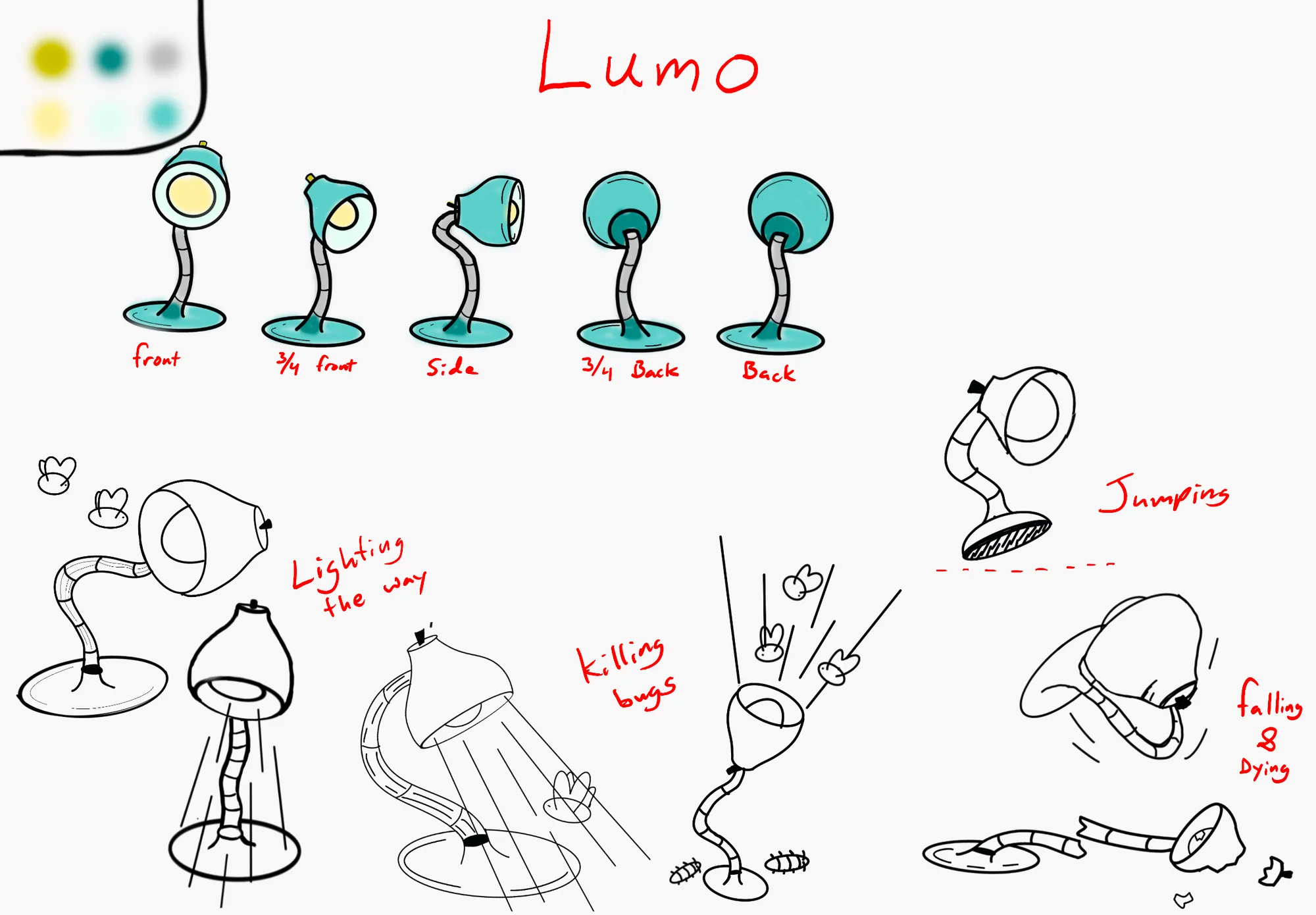
In the course’s design labs I drew a lamp of my own, Lumo, and wrote its brief. Put away in storage, in an eerie house full of creatures out to get it, Lumo has one power: if it tries hard enough, “it can shine its light so bright that it will kill its enemy.”
The team put my turnaround in their visual design specification, and my animation on their slide of inspirations. Teammates drew Lumi as the game ships it, with Lumo’s power.
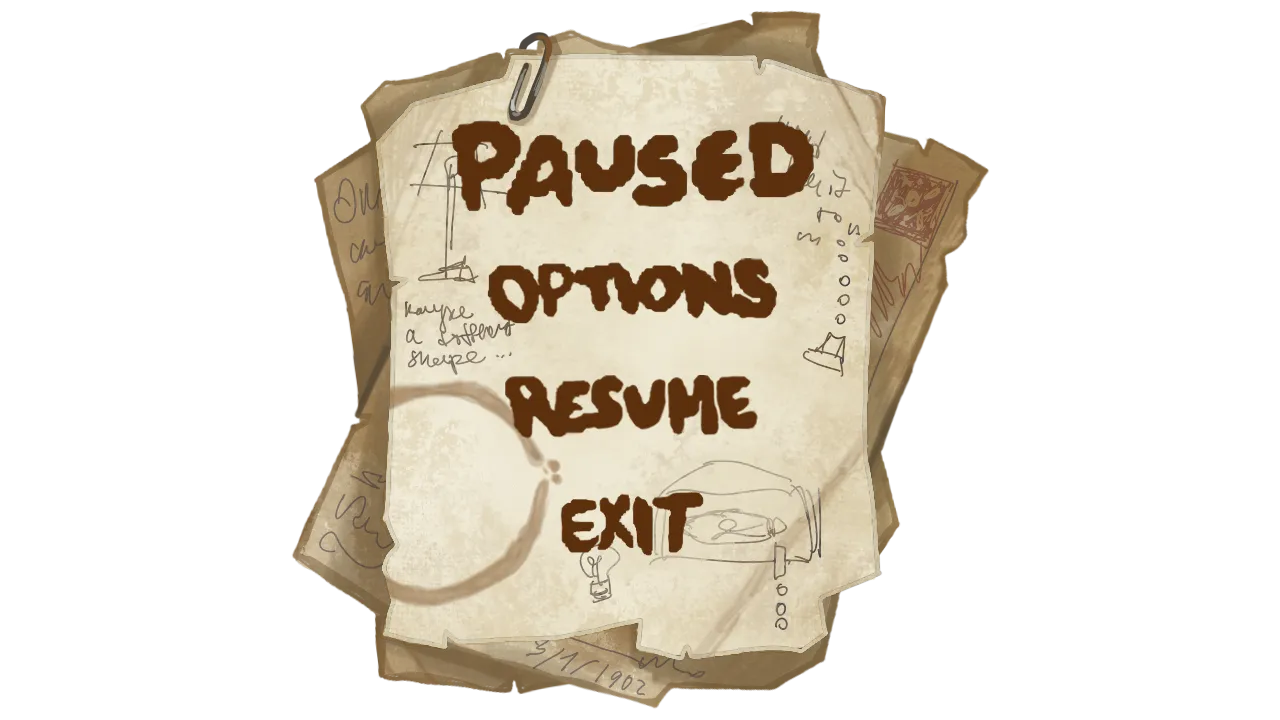
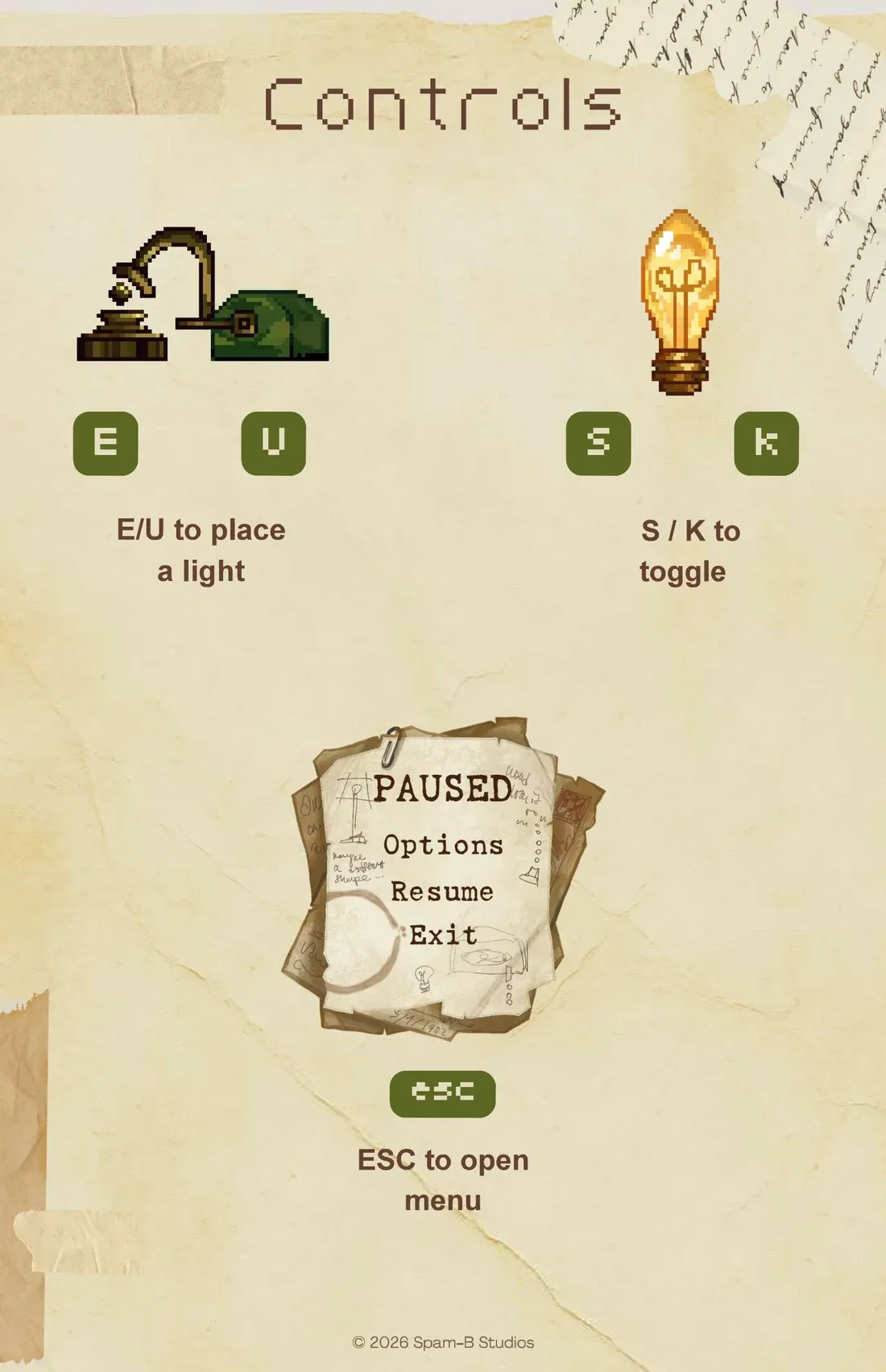
My pause menu started in those labs too, as a stack of scorched paper held with a paper clip.
Outside the levels
In the game, one sheet of paper serves all eight languages, its words set from one list. Level-select plaques stay hidden until the levels before them are cleared.
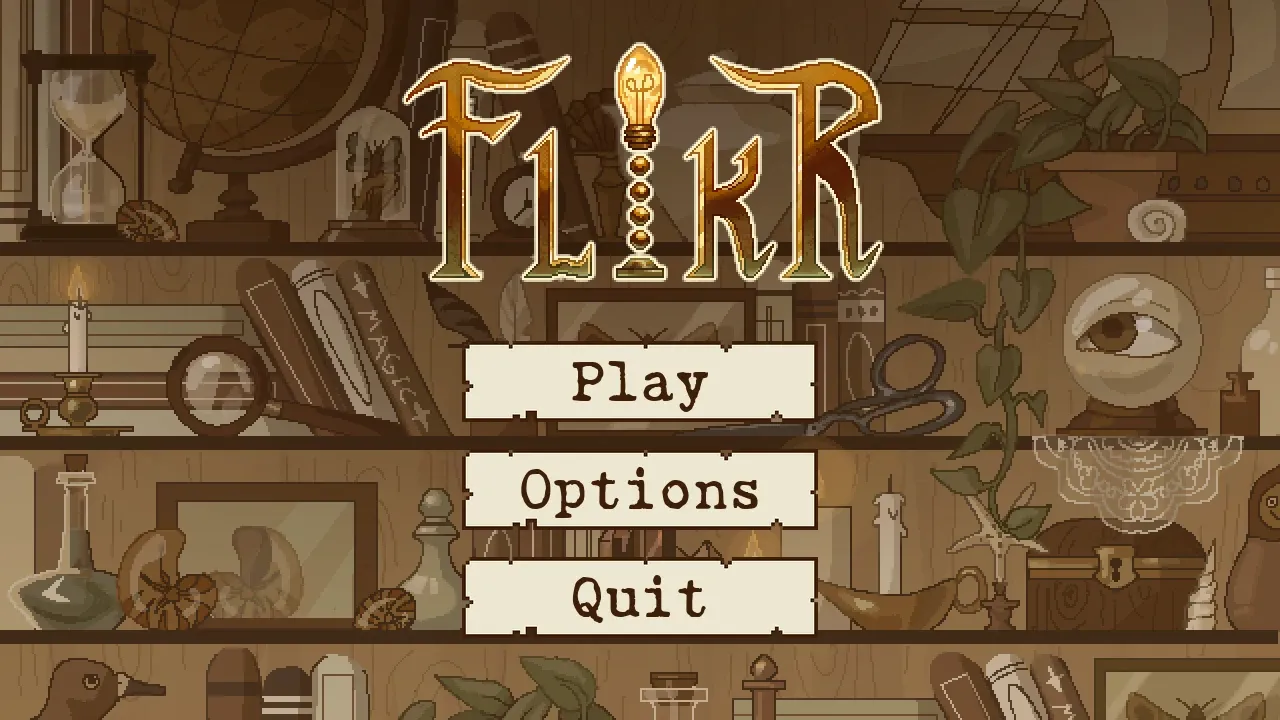
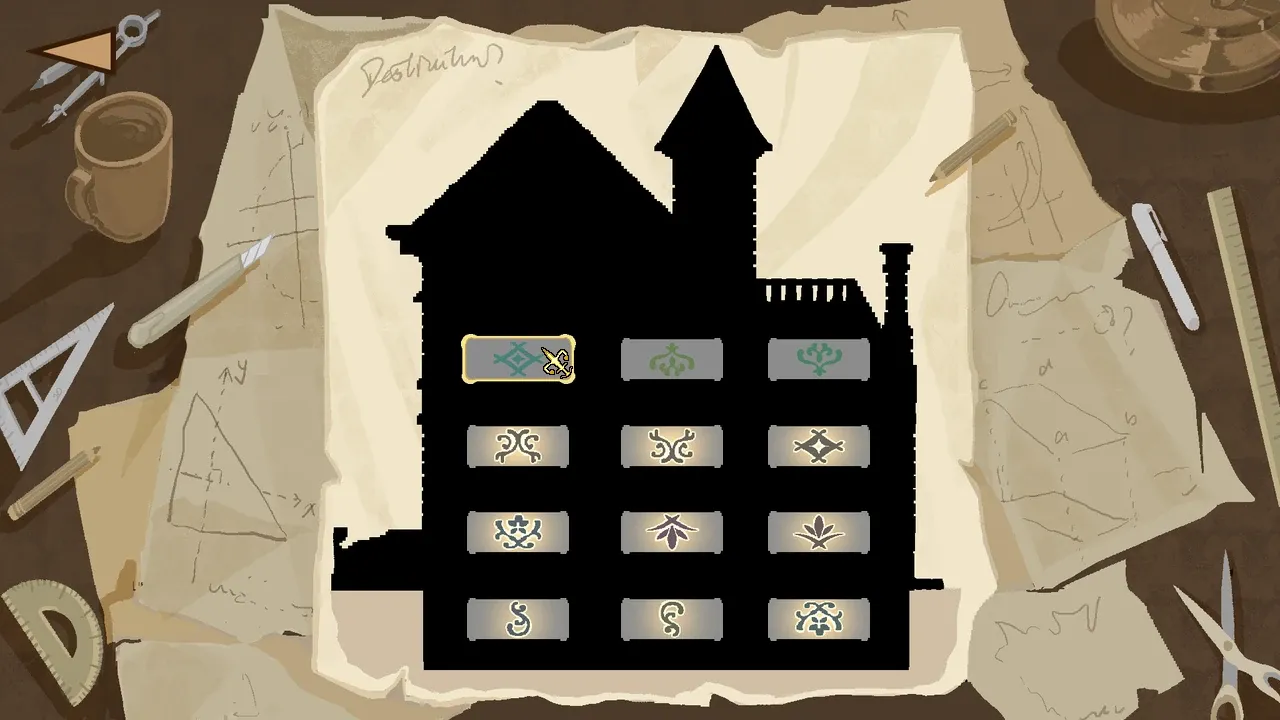
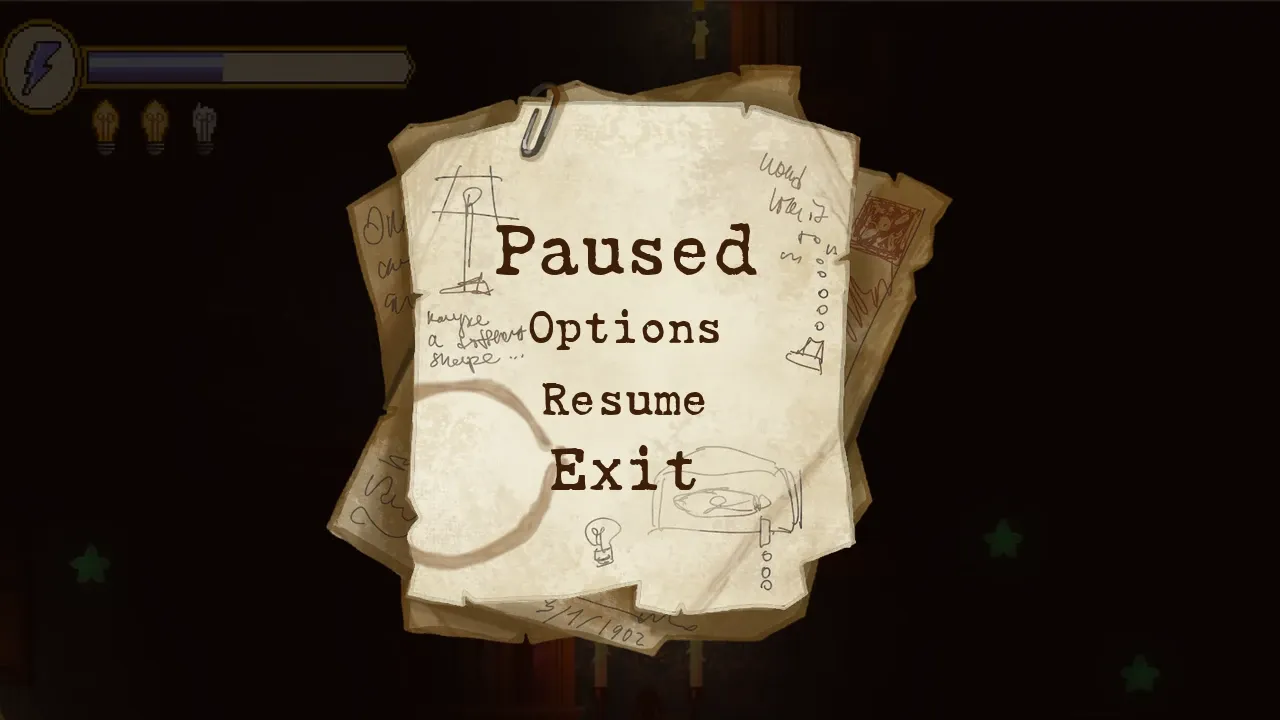
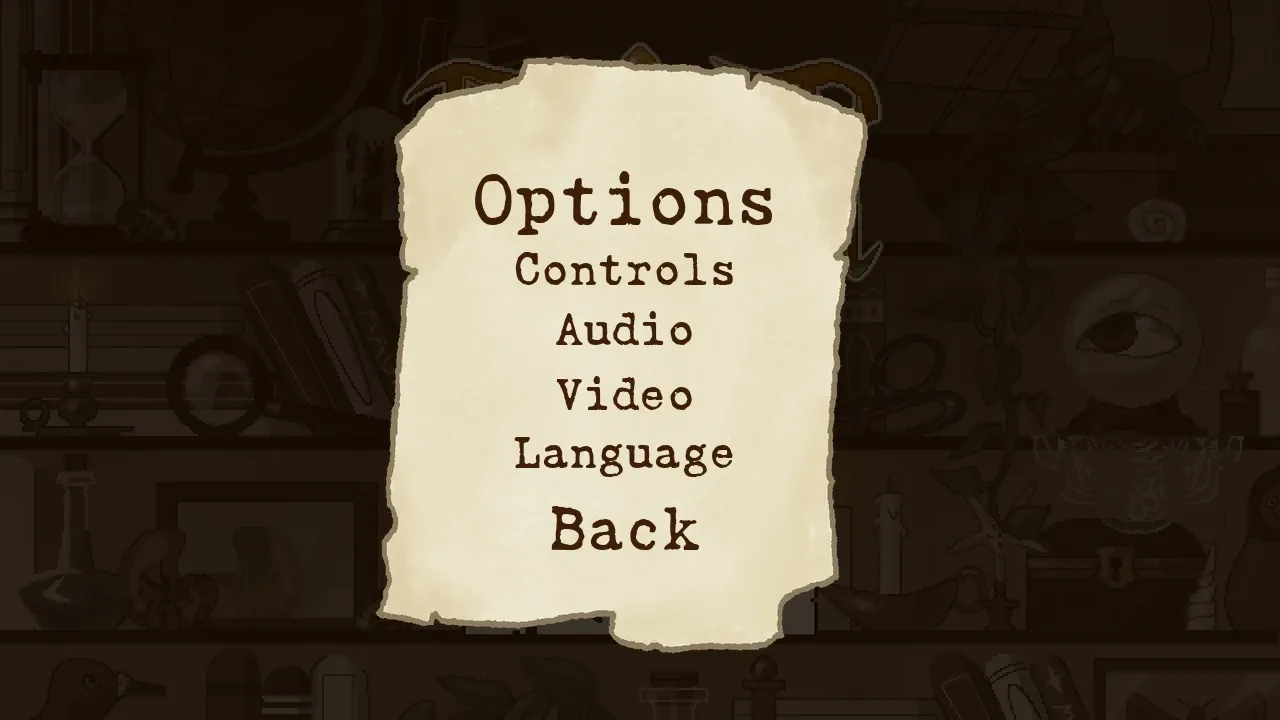
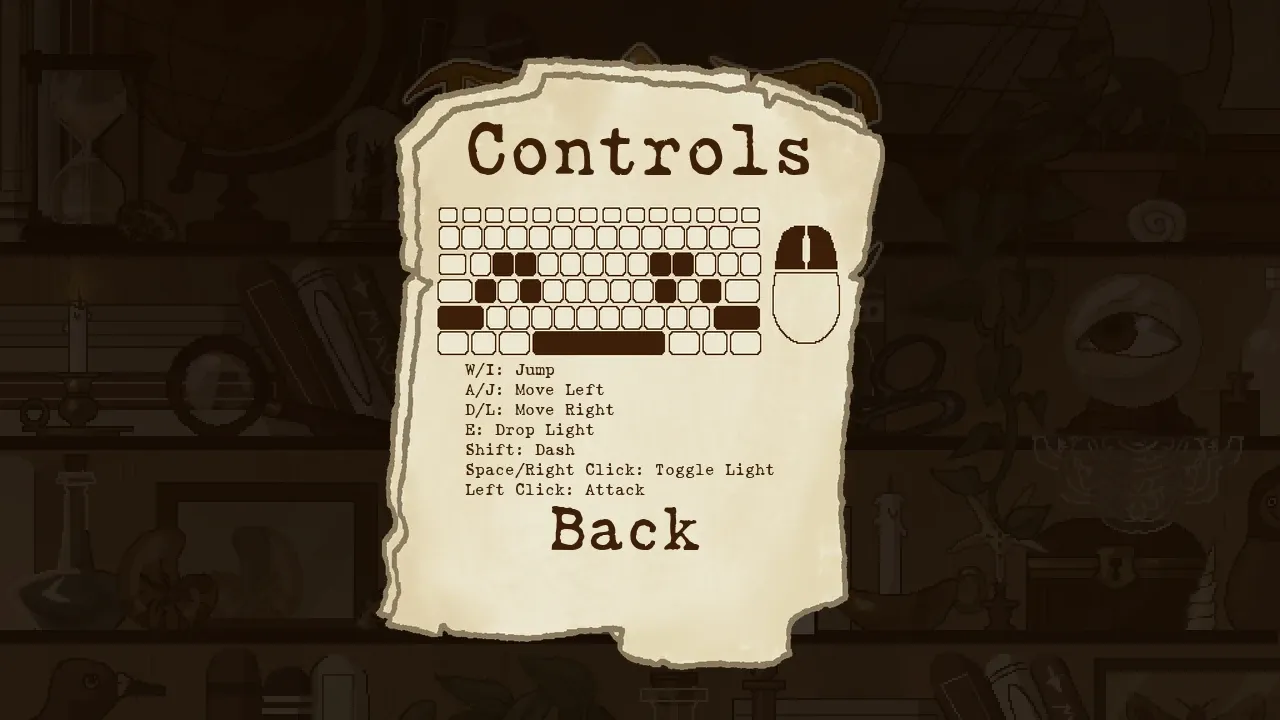
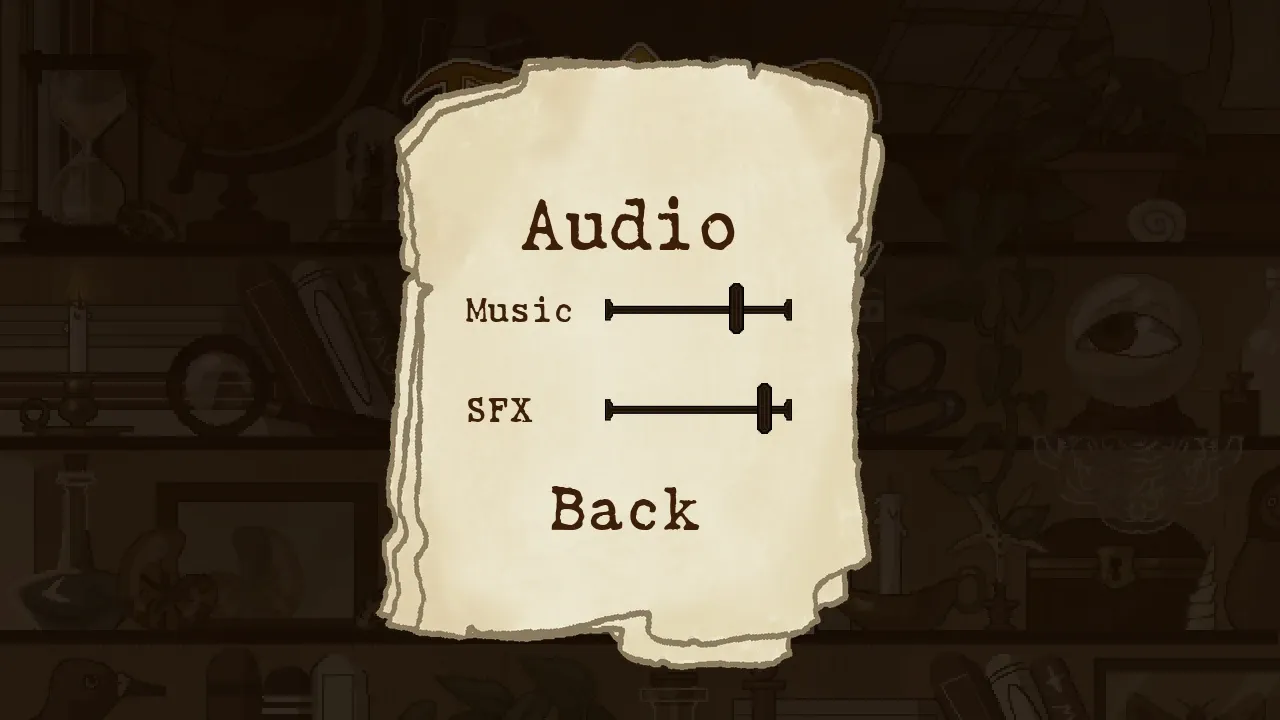
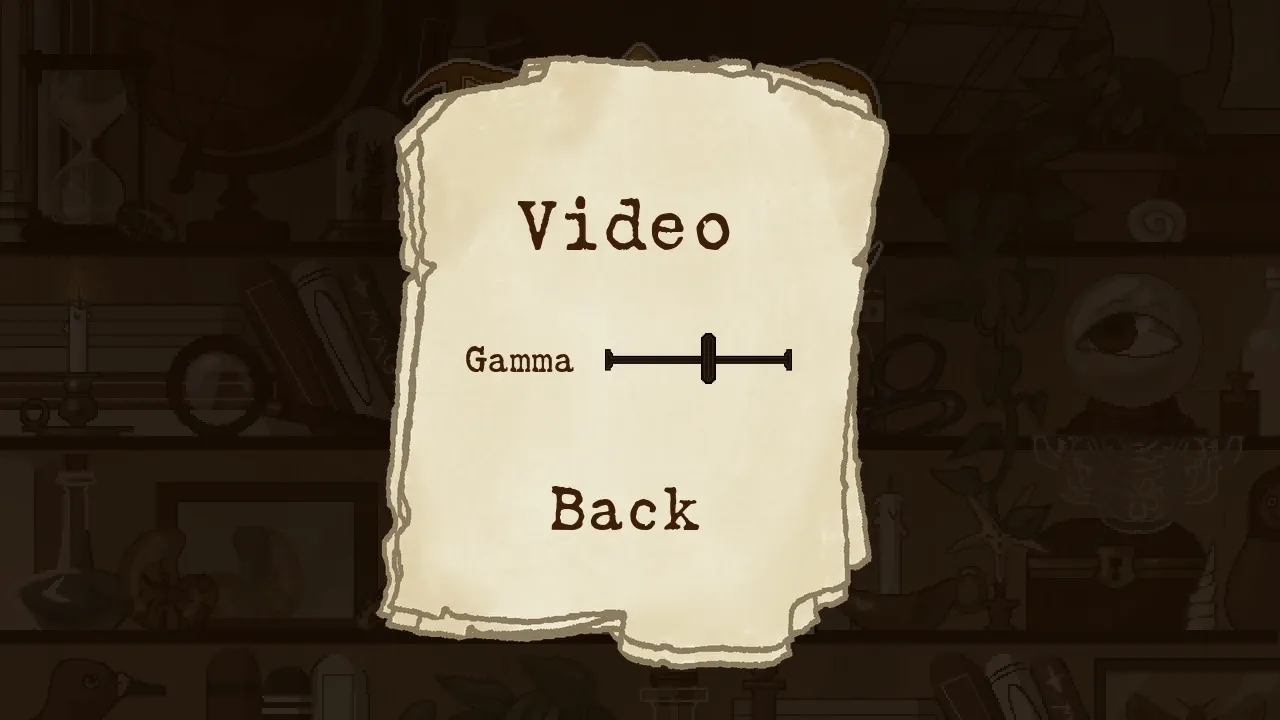
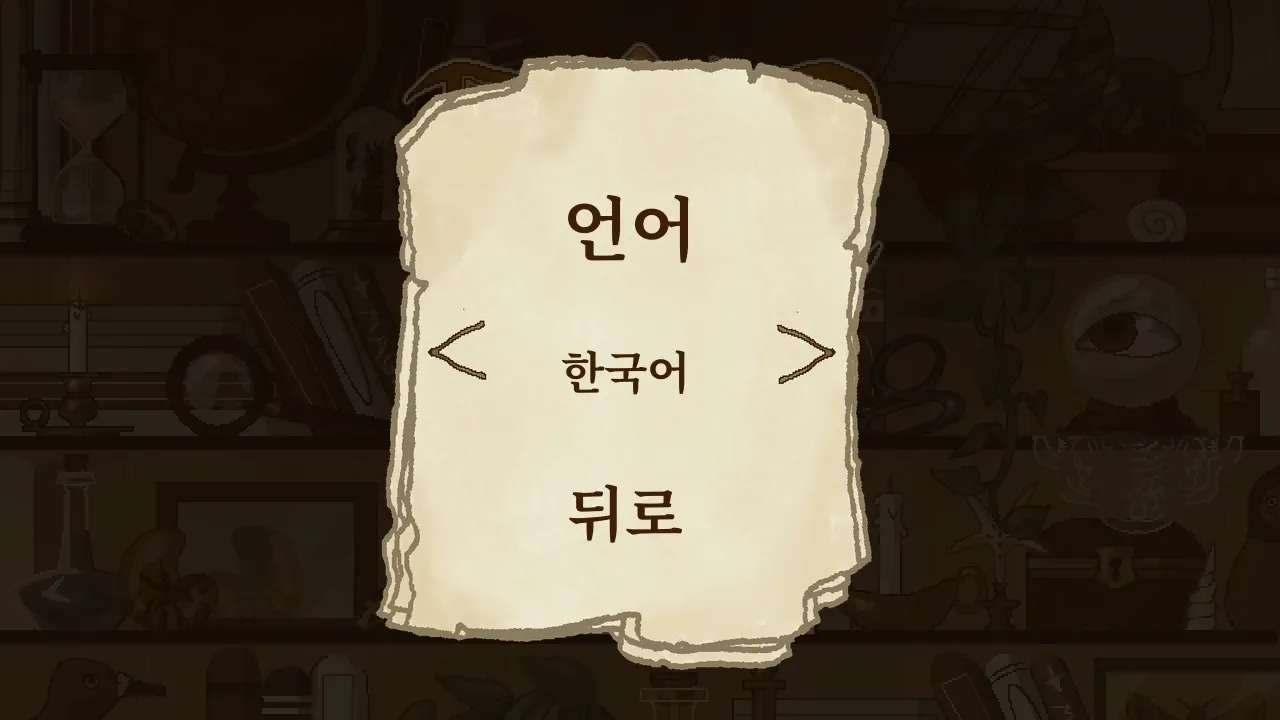
The heads-up display’s energy gauge holds three beam shots, refilling one every four and a half seconds. Batteries mend your three bulbs, adding blue ones past three; dropping a decoy light costs one.

The wizard is mine too.

I designed both screens that end a level: the results and the death screen.
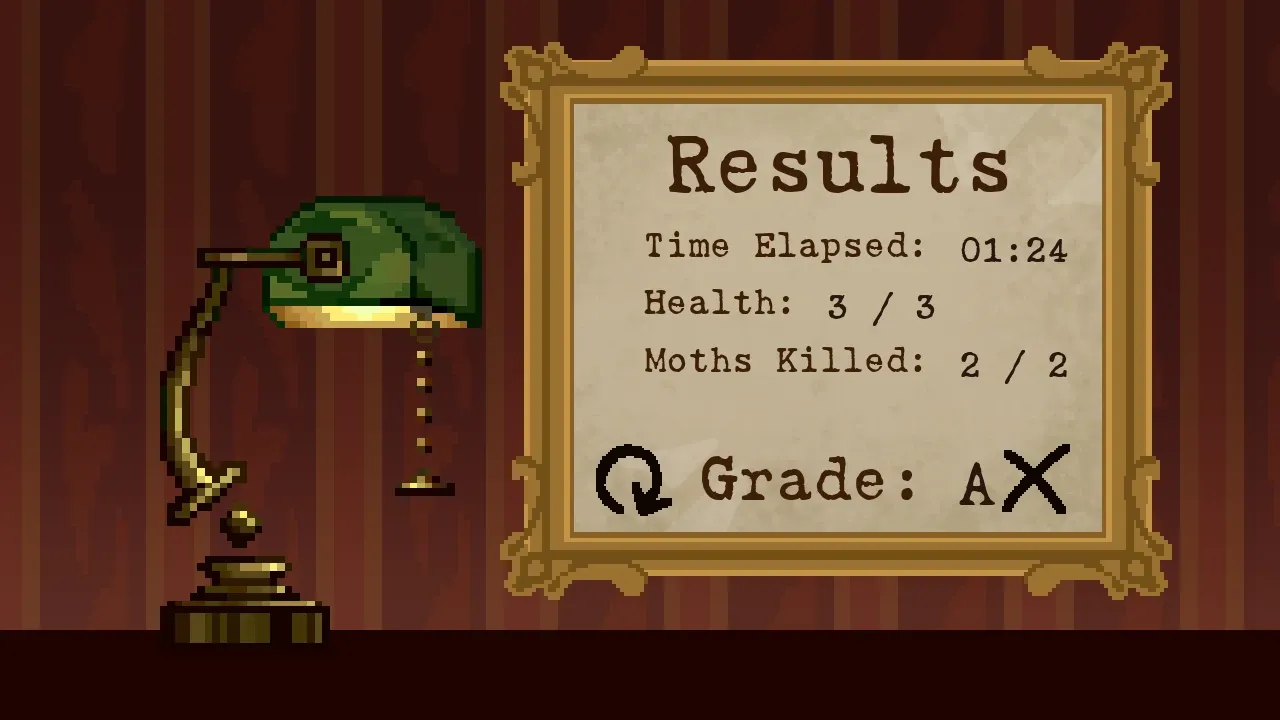
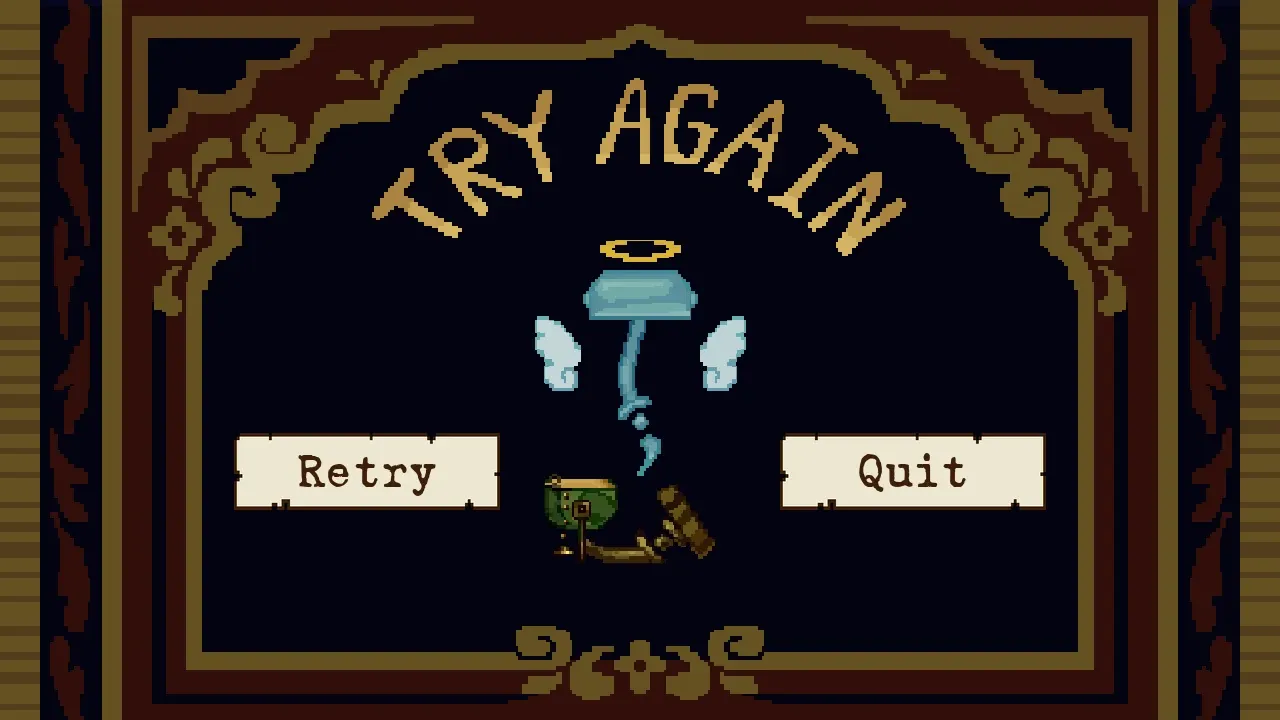
The cursors are mine as well: a brass pointer for menus, a crosshair for play.

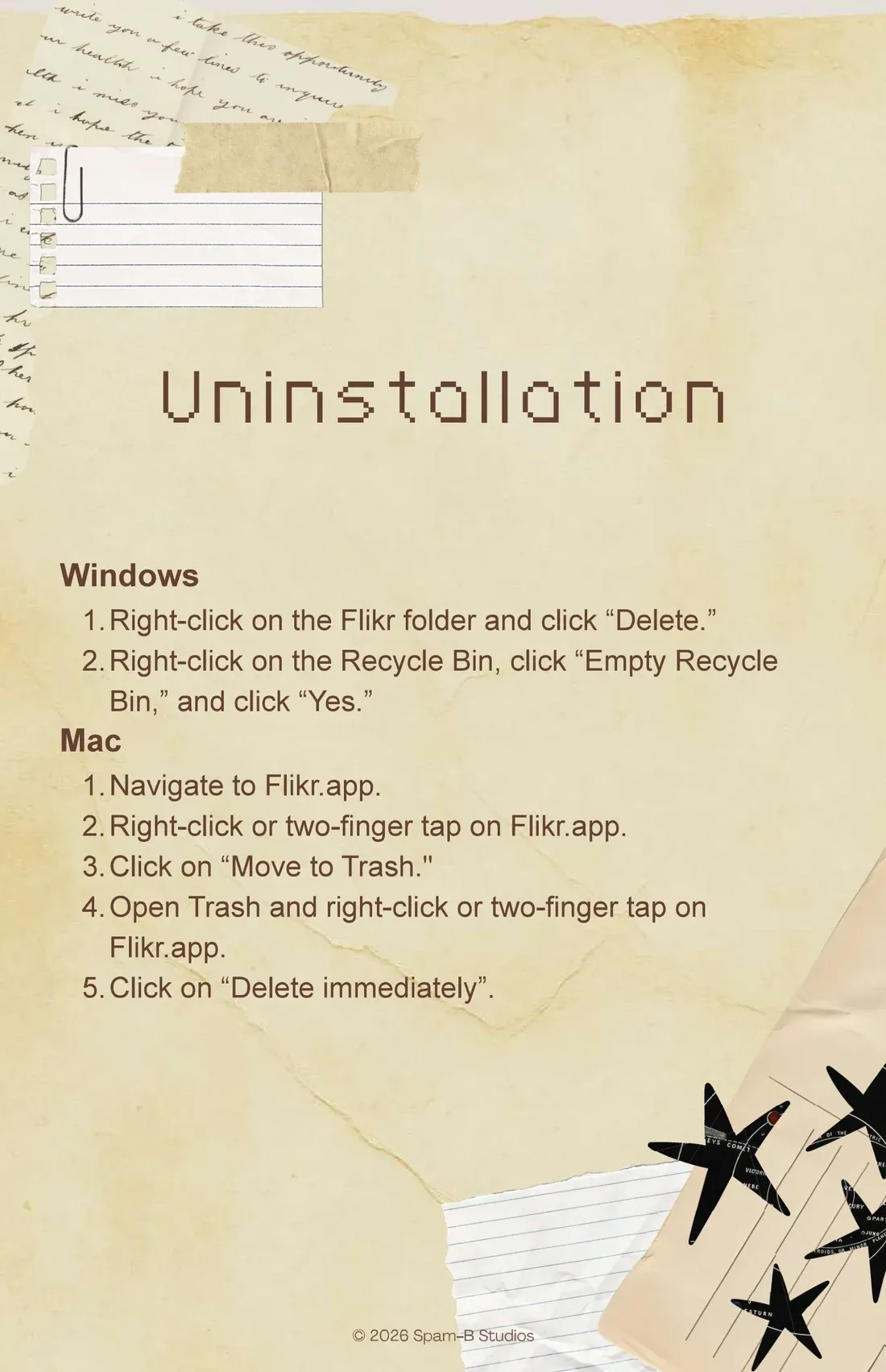
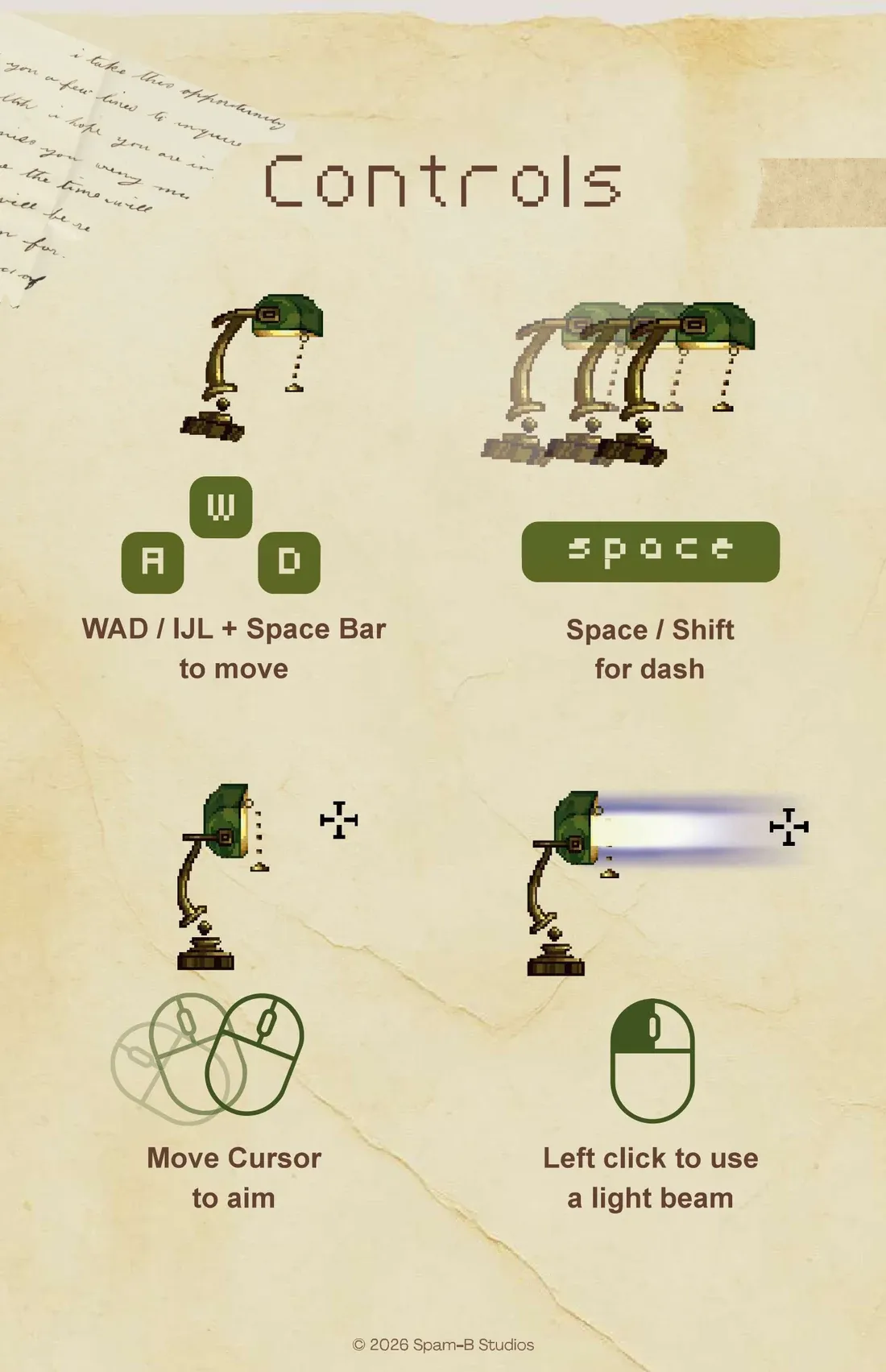
The manual for the downloads is mine too.
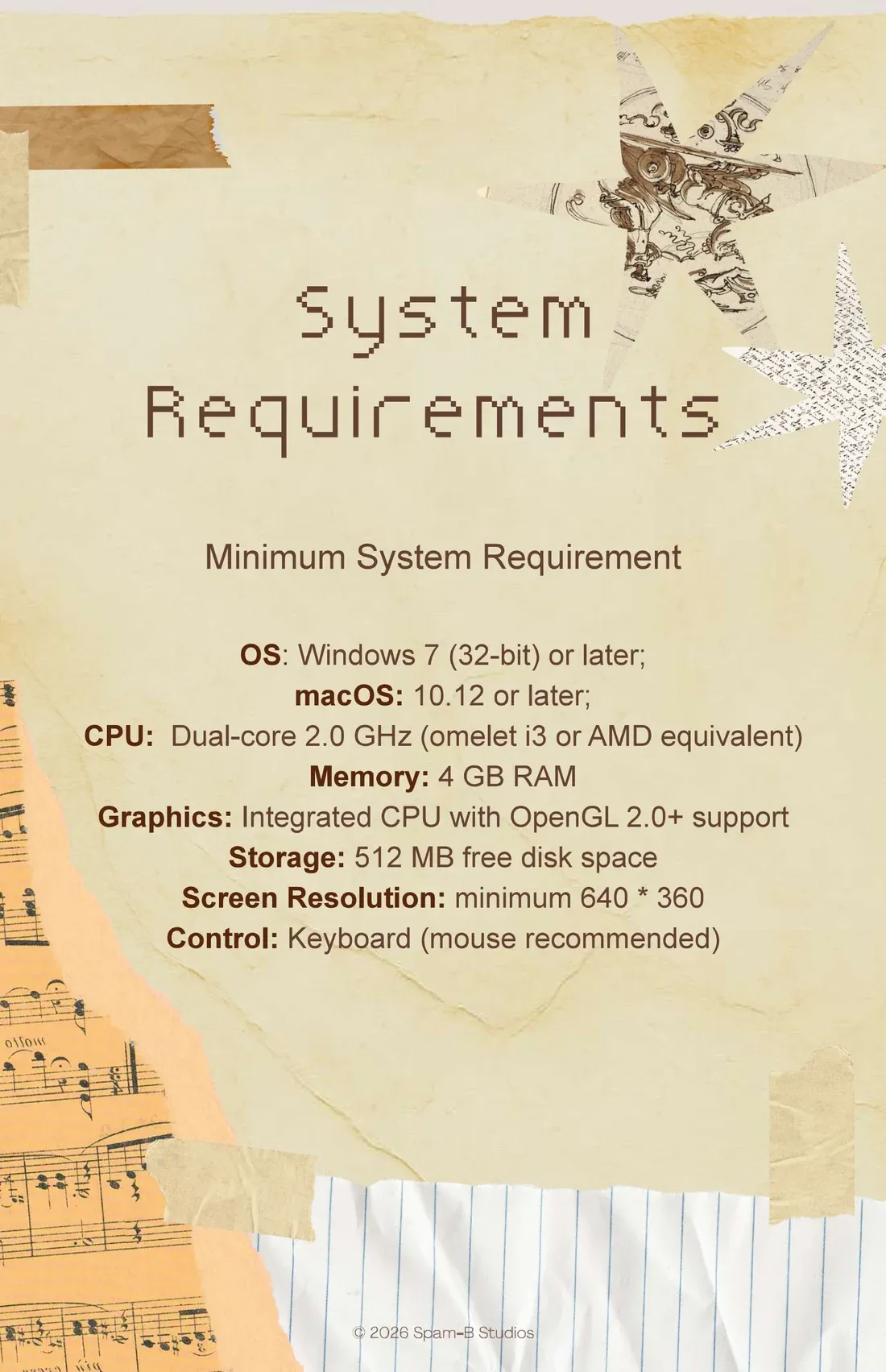
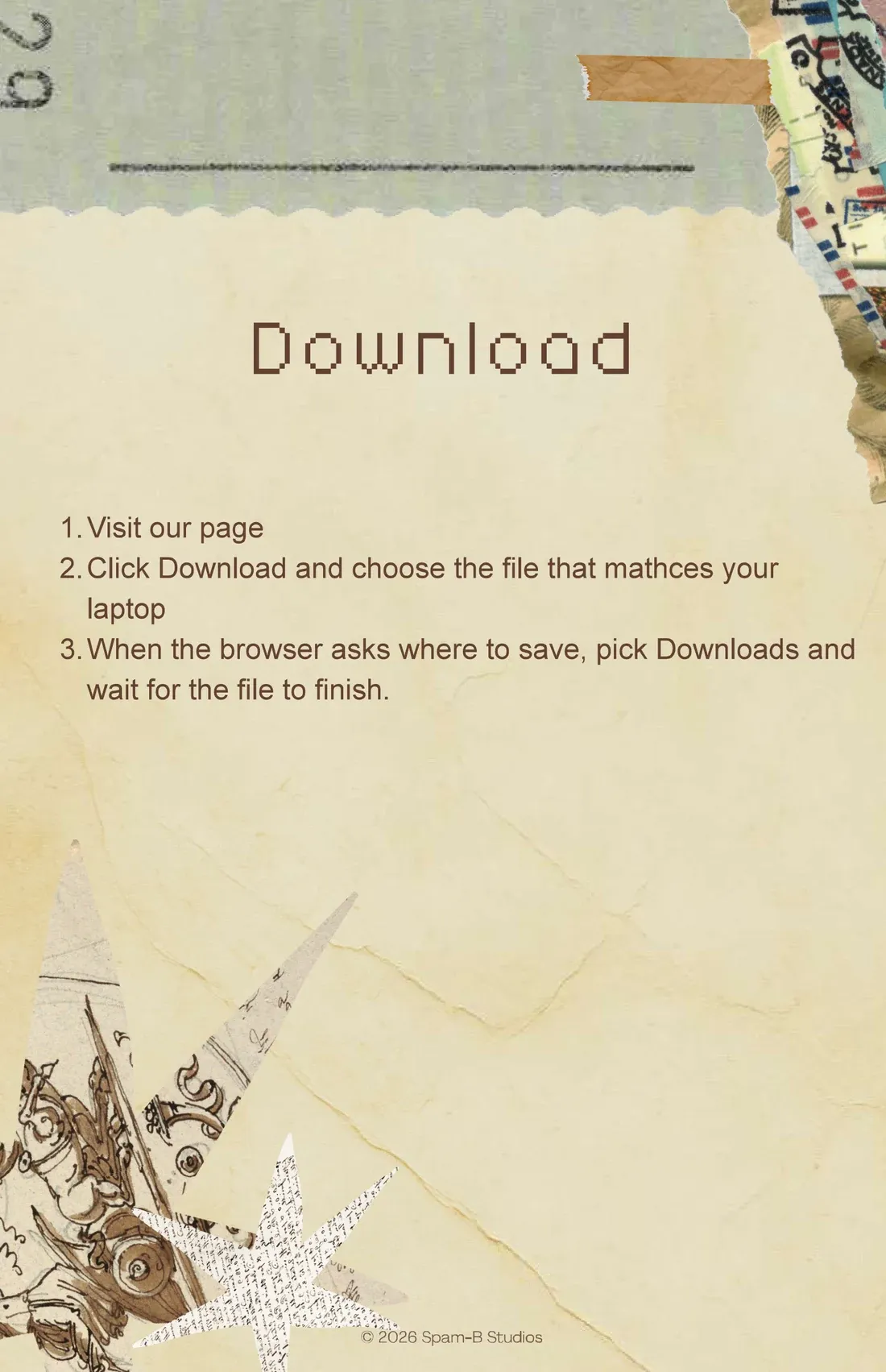
![Installation, under a moth and a scrap of lined paper. On Windows, open Downloads and double-click flikr-windows.zip, drag the Flikr-windows folder somewhere easy to reach, and double-click Flikr.exe to play; if it’s blocked, unblock it in its properties. On a Mac, double-click flikr-mac.zip, drag Flikr.app into Applications and double-click it; if it’s “from an unidentified developer”, Control-click it, open it, and open it once from Terminal. A notice says the Mac app isn’t signed by an Apple developer and sends you to a website for help, its address still a placeholder, “[put link here]”](/_astro/page-05.ChpCMcpp_Z2tC76S.webp)


What it sounds like
My title-screen track ships with the next build. Until then, tune the radio on the Play page to SCORE for four pieces as they stand.

