
Jupiter
An assistant that runs on my laptop. It drafts replies to my email and plans study time before each exam I confirm. No email goes out until I press Send.

The numbers
What goes in and what comes out
Why I built it
I liked the idea of an Obsidian-style second brain, but I never kept one up. In a busy week, the filing is what slips. So I built one that files itself. In October I rebuilt it as Jupiter, which reads my email, my calendars and my courses’ calendar feed. Its study planner runs Study Bot’s logic, ported to Python and checked against 254 recorded calls from Study Bot’s tests.
What I decided
- One module sends mail. Only the code behind the Send button loads it, and a test fails if anything else does.
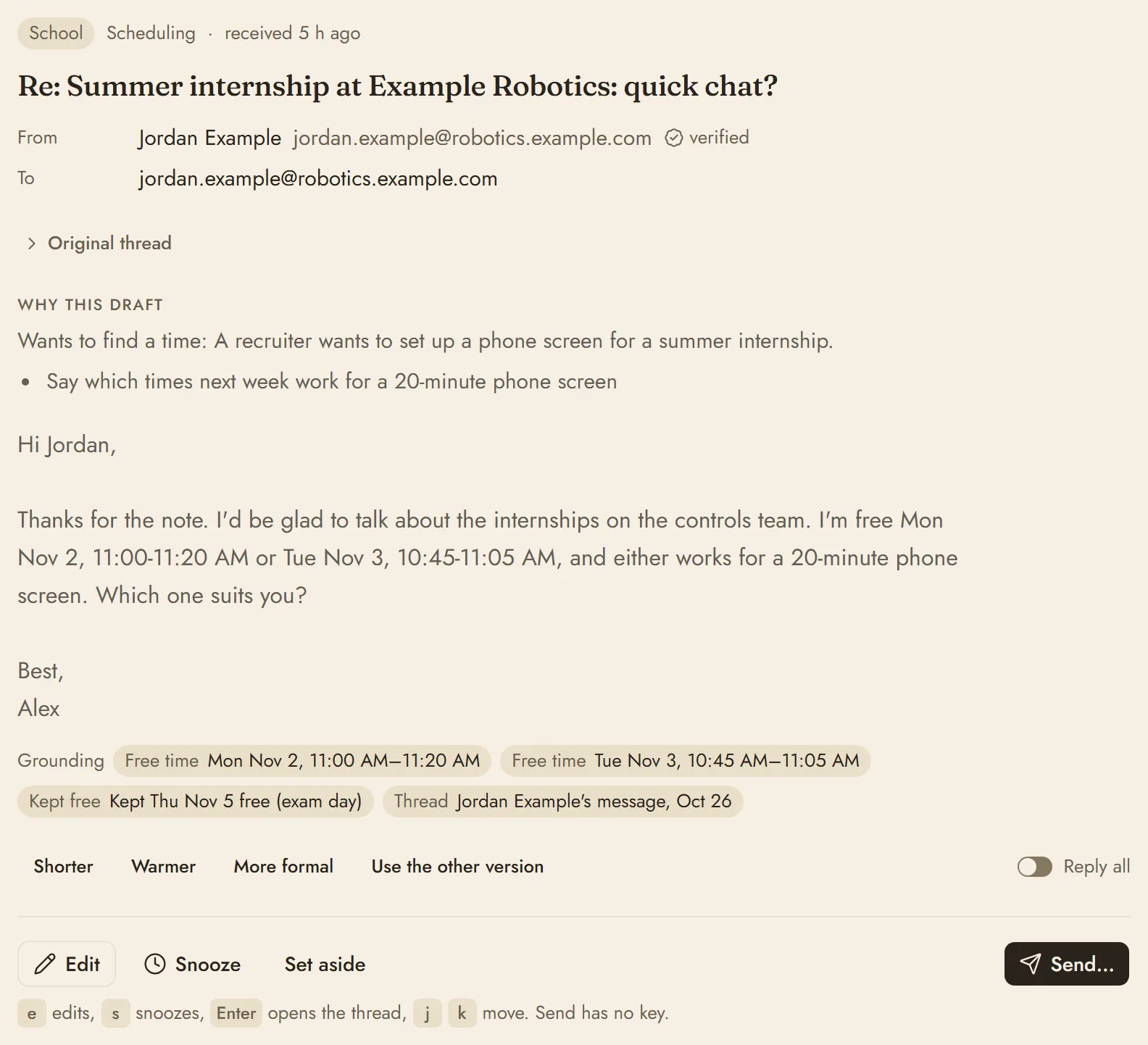
- Risky changes wait for my OK. Jupiter shows a card with exactly what will change, and approving it runs what the card showed. Many of its changes can be undone for 24 hours.
- Mail and web pages can’t approve anything. Once outside text gets into a conversation, sensitive tools can only propose actions, even tools I had approved for good.
- It can’t go over budget. Every model call reserves its worst-case cost before it runs. When the month’s cap is used up, reminders and dashboards keep working without the model.
Try a small part of it
Ask AI Ben, the chat on this site. It answers from notes I wrote by hand.
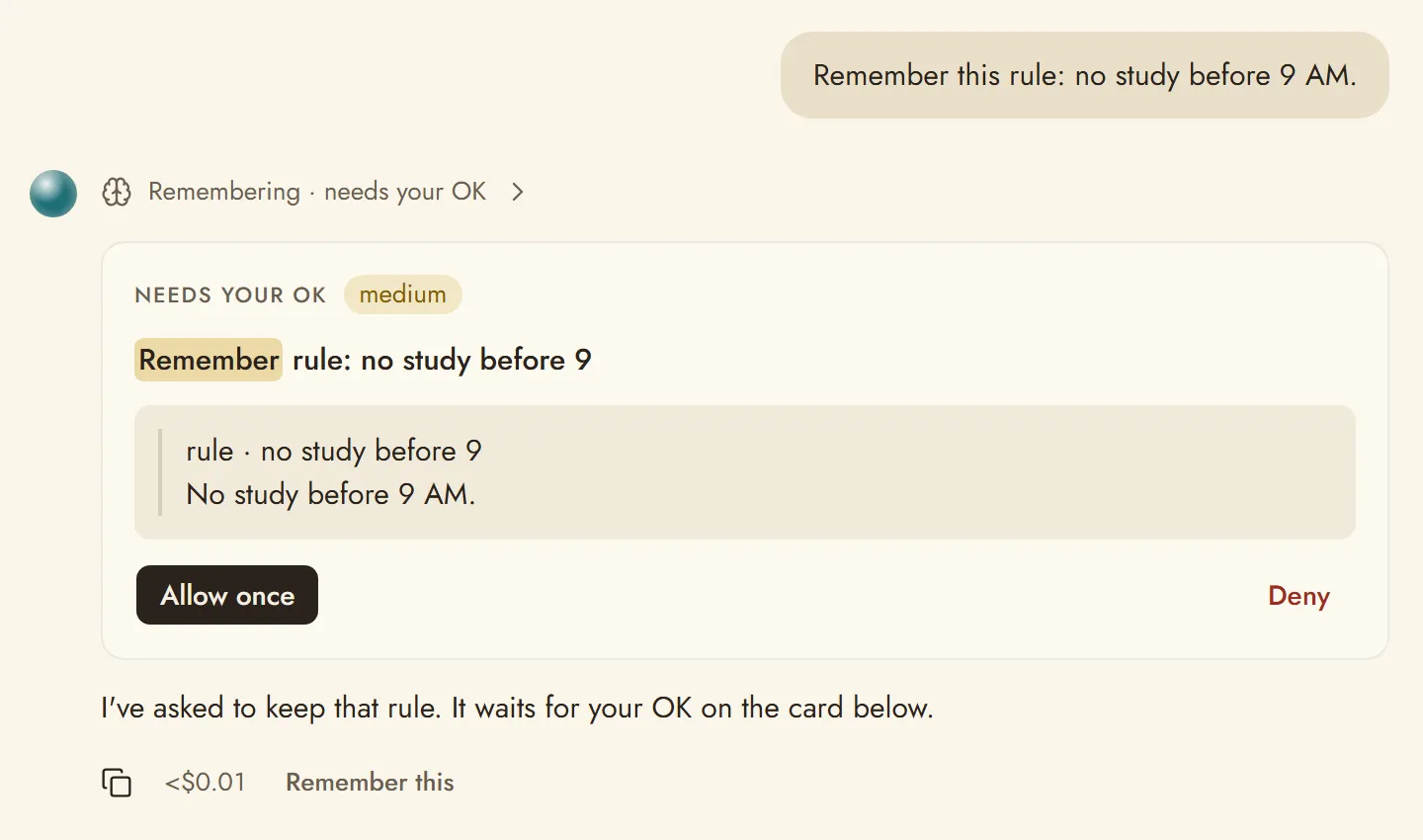
Try the approval card
Answer the card Jupiter shows me before it keeps a rule, then try it with the request coming from an email.
Remember this rule: no study before 9 AM.
What does the new email say?
Read an email
Remembering, needs your OK
Needs your OK medium risk
Remember rule: no study before 9
rule no study before 9 No study before 9 AM.
This came up after Jupiter read outside content, so it asks every time.
Allowed Remember rule: no study before 9
Why it’s asking
“This changes what Jupiter remembers or how it behaves, so it always asks.” That holds even when I typed the request myself.
“Jupiter proposed this after reading outside content (mail, a web page or a shared file), so it needs your OK.” Until the conversation starts fresh, sensitive tools only propose, even ones I had approved for good.
Saved rules
- None yet
- rule No study before 9 AM.
This runs in your browser and saves nothing. The email is made up, and Saved rules stands in for Jupiter’s Memory page. The card’s wording and the reasons beside it are the real app’s.

